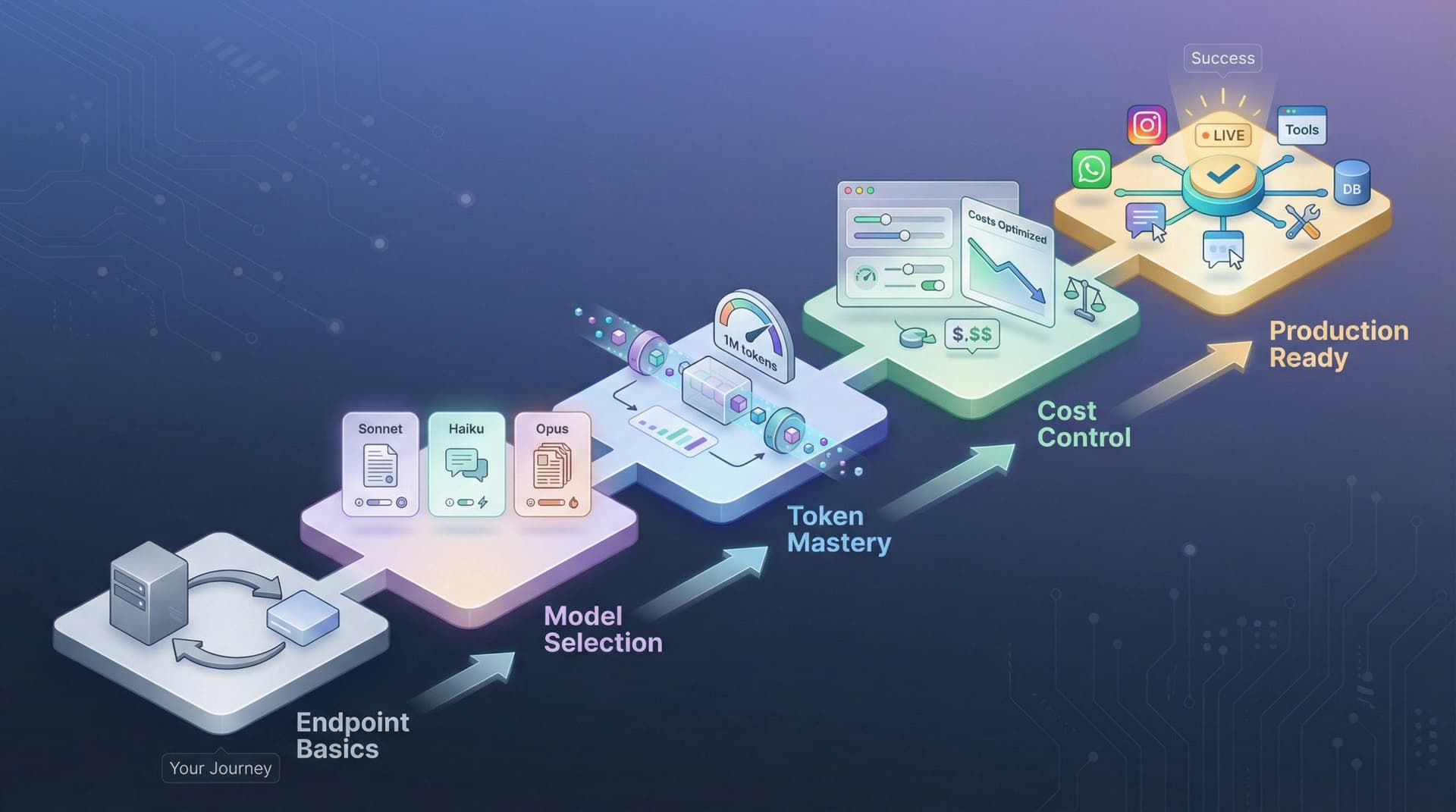
What It Does
Agent HTTP is a native MCP channel server that exposes Claude Code's capabilities through a clean, RESTful HTTP API. Instead of wrapping the CLI in a virtual terminal and parsing screen output (like agentapi does), it communicates directly with Claude Code via the Model Context Protocol (MCP) channel system. This means messages are exact—no terminal diffing, no TUI artifact stripping, and no heuristics that break when the CLI updates.
The API is compatible with the agentapi specification (POST /message, GET /messages, GET /status, GET /events), making it a drop-in replacement for projects that only need Claude Code support.
Setup
Requirements:
- Bun runtime
- Claude Code v2.1.80+
Installation:
# Clone the repository
cd agent-http

# Install dependencies
bun install
Configuration:
Create or update your .mcp.json file:
{
  "mcpServers": {
    "http-router": {
      "command": "bun",
      "args": ["./http.ts"]
    }
  }
}
Start Claude Code with the channel loaded:
claude --dangerously-load-development-channels server:http-router
The HTTP API will start on port 3284 by default.
API Endpoints
Send a Message
# JSON format
curl -X POST localhost:3284/message \
  -H "Content-Type: application/json" \
  -d '{"content": "List files in this directory", "type": "user"}'

# Plain text format
curl -X POST localhost:3284/message -d "What files are in this directory?"
Both return immediately with { "ok": true, "chat_id": "1" } once Claude starts processing.
Get Message History
curl localhost:3284/messages
Returns an array of all messages with timestamps.
Check Status
curl localhost:3284/status
Returns { "status": "stable" } when idle or { "status": "running" } when processing.
Real-time Events
curl -N localhost:3284/events
Server-Sent Events stream that broadcasts message and status events in real-time.
Web Chat Interface
A simple web chat interface is included for testing and demos:
http://localhost:3284/chat
It connects to the same API endpoints—messages sent from the chat UI show up in /messages and vice versa.
Custom Configuration
Change Port
Update .mcp.json:
{
  "mcpServers": {
    "http-router": {
      "command": "bun",
      "args": ["./http.ts", "--port", "8080"]
    }
  }
}
Priority: --port flag > CLAUDE_HTTP_PORT env > 3284 default.
JavaScript Example
// Send a message
const res = await fetch("http://localhost:3284/message", {
  method: "POST",
  headers: { "Content-Type": "application/json" },
  body: JSON.stringify({ content: "Explain this codebase" }),
});
const { chat_id } = await res.json();
Why This Matters
Agent HTTP transforms Claude Code from a terminal-only tool into a programmable service. You can now:
- Integrate Claude Code into existing applications
- Build custom UIs on top of Claude's capabilities
- Create automated workflows that interact with Claude programmatically
- Use Claude Code as a backend service for other tools
The MCP-native approach ensures reliability and exact message handling, making this suitable for production use cases where terminal scraping would be fragile.