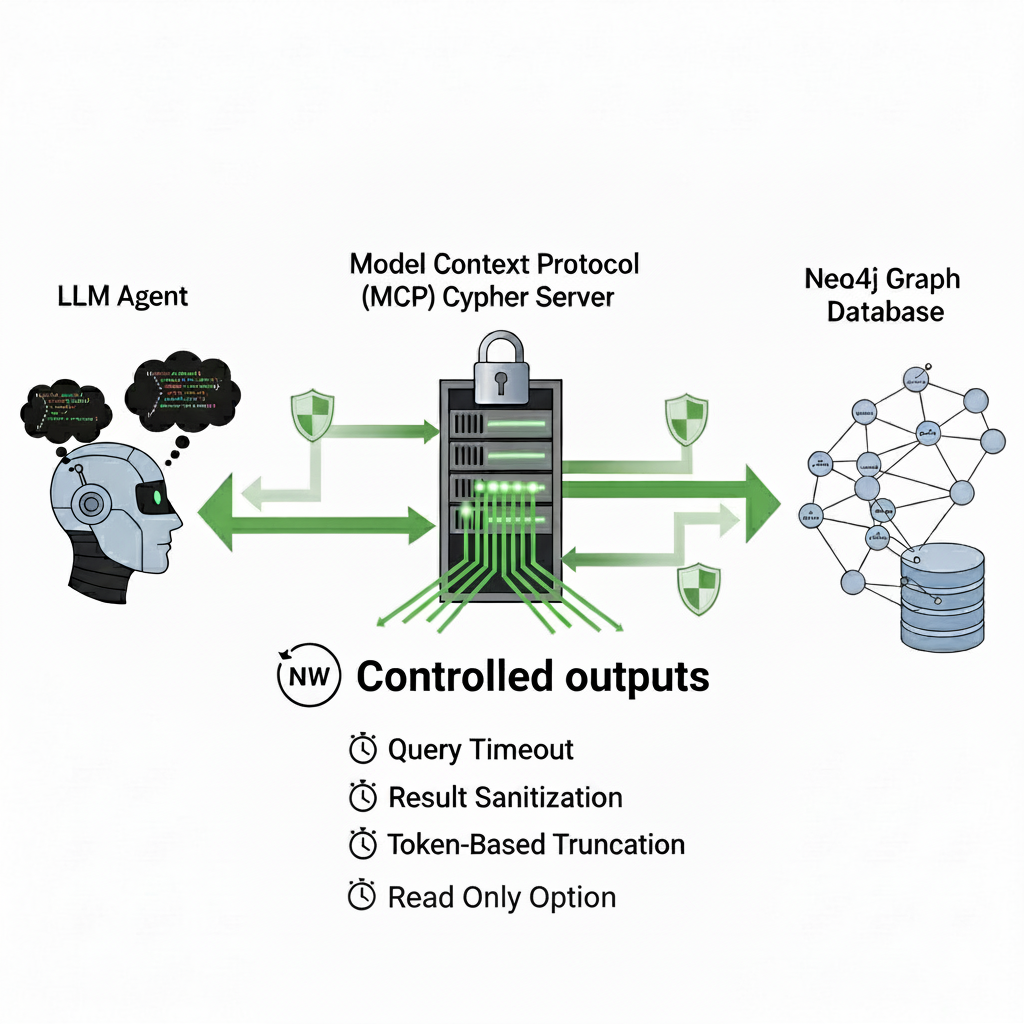
AMD's open-source Lemonade AI server hit version 10.8 on June 17, and the headline change is practical: the server now exposes a Model Context Protocol (MCP) endpoint, allowing MCP-compatible AI coding clients — including Claude Desktop, Cursor, and GitHub Copilot — to treat locally-running models as callable tools.
The result is that developers with AMD hardware can now route privacy-sensitive or high-volume tasks to local models without breaking out of their existing agent workflows. Bulk classification, on-device audio transcription, and image generation become free and offline, handled by Lemonade rather than a cloud API.
What Lemonade Is — and What v10.8 Changes
Lemonade is an AMD-backed, open-source local inference server that runs LLMs, image generation, speech-to-text, and text-to-speech entirely on local hardware. It uses llama.cpp for GGUF model inference with Vulkan or ROCm GPU acceleration, and OnnxRuntime GenAI for NPU-accelerated workloads on Ryzen AI 300 series devices.
Prior to v10.8, Lemonade already offered an OpenAI-compatible API at localhost:13305 — meaning any app built against OpenAI's API could point at it. The MCP layer added in v10.8 goes further: it registers Lemonade as a tool server that agents can discover and call dynamically, rather than requiring a manual base-URL swap.
MCP-compatible clients confirmed to work with v10.8:
- Claude Desktop
- Cursor
- GitHub Copilot (VS Code)
- Any client implementing the MCP open standard
The update also adds Lemonade Omni, a multimodal routing layer that exposes a single endpoint for chat, transcription, and image generation — the client sends a request and Lemonade directs it to the correct backend automatically.
Key Facts
- Version: Lemonade v10.8, released June 17, 2026
- New: MCP server integration, Lemonade Omni multimodal router
- Also new: Moonshine speech-to-text model support; ROCm expanded to cover the GFX1152 / Radeon 860M iGPU; experimental NVIDIA GB10 ARM64 support
- GPU support: AMD Radeon RX 7000 and 9000 series, Ryzen AI 300 series NPUs, integrated GPUs (Radeon 780M/760M/740M), CPU fallback
- Install:
pip install lemonade-sdkor the.msiinstaller from lemonade-server.ai - API port:
localhost:13305(OpenAI-compatible); MCP endpoint is separate and auto-registered - License: Open-source (GitHub: lemonade-sdk/lemonade)
Getting Started: Connecting Claude Desktop via MCP
The canonical setup for an MCP client is to register Lemonade as a server in the client's config. For Claude Desktop, that means adding a Lemonade entry to claude_desktop_config.json; for Cursor or Copilot, the MCP server settings panel handles it. AMD's documentation and the Hugging Face MCP course unit both provide step-by-step walkthroughs.
Start the server:
pip install lemonade-sdk
lemonade-server serve
Then point your MCP client at Lemonade's MCP endpoint — the exact JSON config varies by client but follows the standard MCP server registration format.
Why This Matters Now
The practical value of Lemonade's MCP support is task routing. Frontier model sessions — Claude, GPT-5, Gemini — are excellent at reasoning but expensive per token. Tasks like transcribing a meeting recording, classifying a batch of documents, or generating boilerplate code are often handled just as well by a local 7B or 8B model at zero marginal cost.
With MCP as the bridge, an agent running in Claude Desktop or Cursor can now delegate those sub-tasks to Lemonade without the user doing anything — the orchestrating model decides, calls Lemonade's MCP tools, and returns the result inline.
This matters specifically for:
- Developers with proprietary codebases who cannot send source files to cloud APIs
- Teams processing high volumes of repetitive inference tasks (test generation, doc comments, classification)
- Air-gapped or travel workflows where connectivity is unreliable
AMD's positioning here is also notable. CUDA has long been the path of least resistance for local inference; Lemonade's ROCm and Vulkan backends, now bridged into the MCP ecosystem, give Radeon hardware a credible role in agentic developer tooling — a segment NVIDIA has dominated.
What to Watch
The Hugging Face MCP course already includes a dedicated Lemonade unit, suggesting growing ecosystem investment. Whether Claude Code (the CLI agent) gains native lemonade launch claude integration — which was added in v10.0 for direct launch workflows — extending to MCP-based tool routing remains the next logical step to watch in upcoming Lemonade releases.
Source: Phoronix — AMD's Lemonade AI Server Now Much More Useful With MCP Server Integration
Source: gn_mcp_protocol