What Changed: The 80% Number and the RSI Memo
Anthropic dropped two bombshells this week. First, Claude now authors 80% of the production code at Anthropic itself. Second, the company published a Recursive Self-Improvement (RSI) memo outlining internal timelines for near-term AI risk.
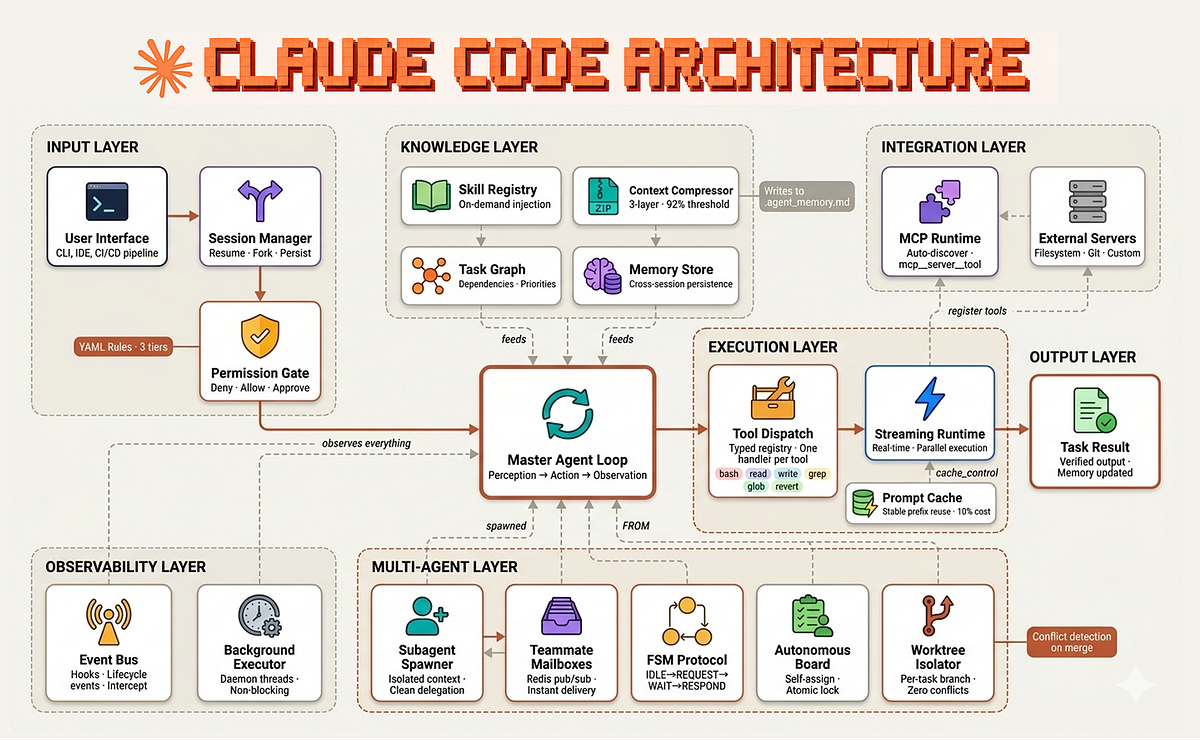
The 80% stat isn't a boast — it's a blueprint. Anthropic isn't using Claude to generate throwaway code. They're using it in a recursive loop: Claude writes code, tests it, identifies improvements, and writes better code. This is the same pattern Claude Code users can adopt today.
What It Means For You: The Recursive Loop
Most developers use Claude Code in a linear way: prompt → code → manual review → done. Anthropic uses a circular way: prompt → code → auto-test → feedback → refine → repeat.
The result? Task length at Anthropic is doubling every 4 months — meaning Claude handles progressively larger, more complex tasks autonomously.
How to Apply It: Your Recursive Workflow
1. Write CLAUDE.md files that enable self-correction
Your CLAUDE.md should include:
- Project architecture rules
- Testing commands and expectations
- Style guidelines
- Common pitfalls and how to avoid them
Example snippet for a Python project:
# CLAUDE.md
## Testing
- Run `pytest tests/` before every commit
- All new functions must have unit tests
- Type hints required for function signatures

## Architecture
- Models in `src/models/`, views in `src/views/`, controllers in `src/controllers/`
- Database access via repository pattern only

## Code Review
- Max 200 lines per function
- Docstrings required for public APIs
- Use `ruff` for linting
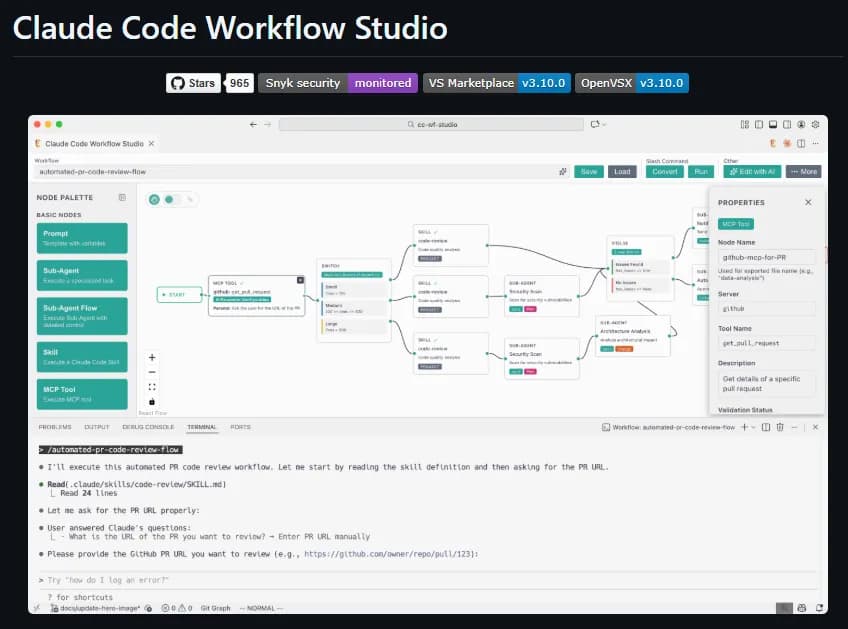
2. Use MCP servers for automated validation
Install MCP servers that give Claude real-time feedback:
- Testing MCP: Runs tests and returns results to Claude
- Linting MCP: Auto-fixes style issues
- Type Checking MCP: Verifies type consistency
This creates the feedback loop Claude needs to self-correct without you.
3. Decompose tasks into sub-tasks with explicit handoffs
Instead of one massive prompt, break it down:
claude code "Create a user authentication module with these steps:
1. Design the database schema
2. Implement the login endpoint
3. Write unit tests
4. Run tests and fix failures
5. Document the API"
Claude will handle each step, but crucially, it can go back and fix step 1 if step 4 fails.
The RSI Memo: Why This Matters for Your Workflow
Anthropic's RSI memo also reveals they're building systems to verify and slow frontier development if needed. For Claude Code users, this means:
- The tool is getting smarter faster — expect Claude to handle longer, more complex tasks
- Safety constraints will tighten — your prompts may face more guardrails
- Recursive loops are the future — linear prompting will become obsolete
Try It Now
- Update your CLAUDE.md to include testing and linting commands
- Install the Testing MCP server:
claude mcp install testing - Run a recursive task:
claude code "Refactor src/main.py, run tests after each change, and fix any failures" - Measure your iteration speed — track how many cycles Claude completes without your input
This is the same pattern Anthropic uses internally. Start today.
Source: news.google.com
[Updated 08 Jun via gn_claude_community]
The paper also quantified the productivity multiplier for Anthropic engineers: from a flat baseline (2021–2024), output per engineer rose to 1.2x, 1.5x, 1.9x, 2.5x after Claude Code's February 2025 launch, reaching 8x by Q2 2026 [per Crypto Briefing]. In a March 2026 internal poll of 130 employees using Mythos Preview, the median respondent reported 4x output versus working without AI. Task success on complex engineering problems jumped from 26% (November 2025) to 76% (May 2026)—a 50-point gain in six months.
[Updated 09 Jun via devto_claudecode]
The paper also detailed a concrete case study: in April 2026, Claude fixed over 800 API errors across Anthropic's codebase in weeks—a task the authors estimate would have taken a human engineer four years. The error rate for that class dropped by a factor of 1,000 [per dev.to]. The paper, 'When AI Builds Itself,' was co-authored by Marina Favaro (head of the Anthropic Institute) and co-founder Jack Clark, marking the Institute's first major publication since its March 2026 founding.