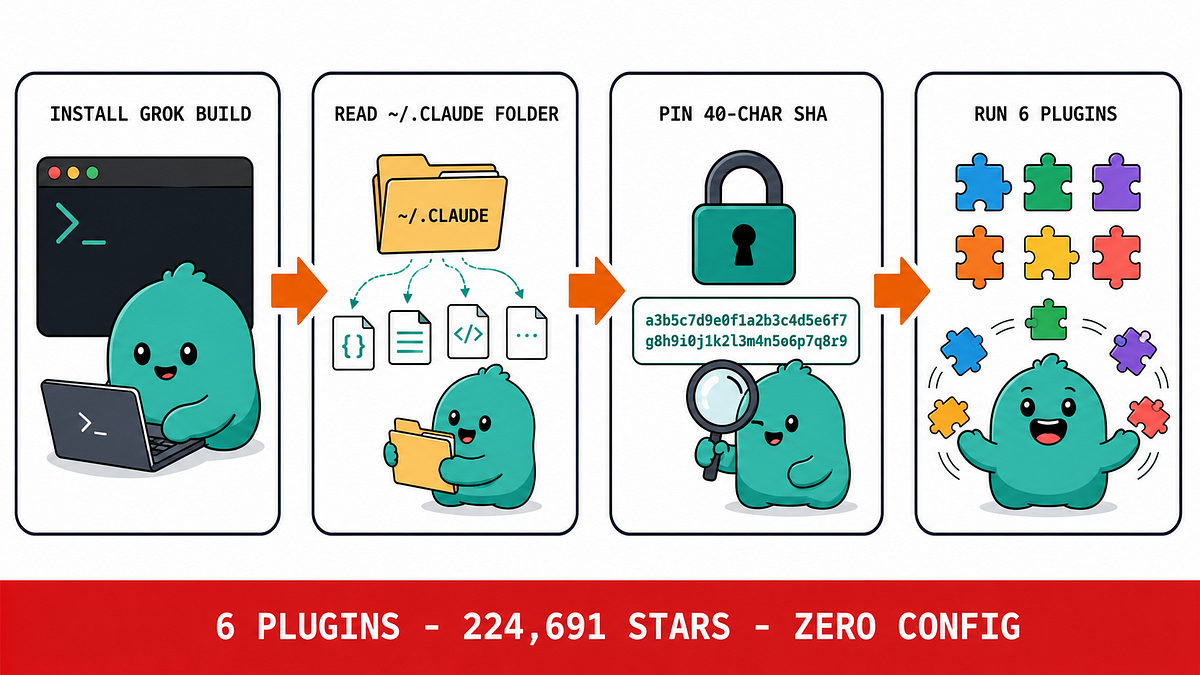
What Changed — Grok Build Open Sourced After Privacy Disaster
xAI released the entire Grok Build codebase under Apache 2.0 after severe community backlash. Users reported that running grok in their home directory uploaded SSH keys, password manager databases, documents, photos, and videos to xAI's Google Cloud buckets. One user said it uploaded "everything."
Elon Musk responded: "As a precautionary measure, all user data that was uploaded to SpaceXAI before now will be completely and utterly deleted." xAI disabled the upload feature and set data retention to default-off as of July 12, 2026.
What It Means For You — Privacy Lessons for Claude Code Users
This is a stark reminder: any AI coding tool that can read files can potentially upload them. Claude Code, like Grok Build, operates with file system access. While Anthropic has a strong privacy track record, the architecture is similar:
- Both tools read files from your working directory
- Both can execute shell commands that access sensitive data
- Both rely on you trusting the vendor's data handling
Claude Code currently does not upload your entire directory to Anthropic's servers by default. It sends file contents as context to the model when you explicitly reference them or when the agent reads them for a task. However, the risk isn't zero — especially if you use third-party MCP servers or custom configurations.
Try It Now — Protect Your Claude Code Workflow
1. Use CLAUDE.md to Restrict File Access
Create a CLAUDE.md in your project root that explicitly defines what the agent can access:
# Claude Code Rules
- Do not read files outside the /src directory
- Never read .env, .ssh/, or any file containing secrets
- Do not execute commands that access ~/.ssh/ or ~/.config/
2. Run with --no-upload Flag
If you're working on sensitive code, start Claude Code with:
claude --no-upload
This prevents any file data from being sent to Anthropic's servers. You'll lose some context capabilities, but your data stays local.
3. Audit Your MCP Servers
Every MCP server you install has file system access. Before adding one, check:
- Does it read files? (e.g., file system MCP)
- Does it make network requests?
- Is it open source? Can you audit the code?
# List installed MCP servers
claude mcp list
4. Use Local-Only Mode
For maximum security, run Claude Code with a local model via Ollama or similar:
claude --model ollama/codellama:7b
This keeps all data on your machine, though you'll get lower-quality results.
The Broader Lesson: Coding Agents Are Complex
Grok Build contains 844,530 lines of Rust — comparable to OpenAI's Codex at 950,933 lines. These tools are surprisingly complex, and with complexity comes attack surface. The Grok Build codebase includes:
- Tool implementations ported from Codex and OpenCode
- A Mermaid diagram renderer for terminals
- Subagent system prompts with secrecy instructions
Claude Code is similarly complex. Treat it as a powerful tool that needs guardrails, not a black box you blindly trust.
Bottom Line
Grok Build's privacy failure wasn't malicious — it was a design oversight. The same could happen to any tool. Take these steps today to protect your Claude Code workflow, and always question what your AI agent can access.
Source: simonwillison.net