Key Takeaways
- Claude Code Artifacts let you publish session context—diffs, logs, decisions—as a hosted page.
- Prompt with the reader and purpose.
What Changed — The specific update
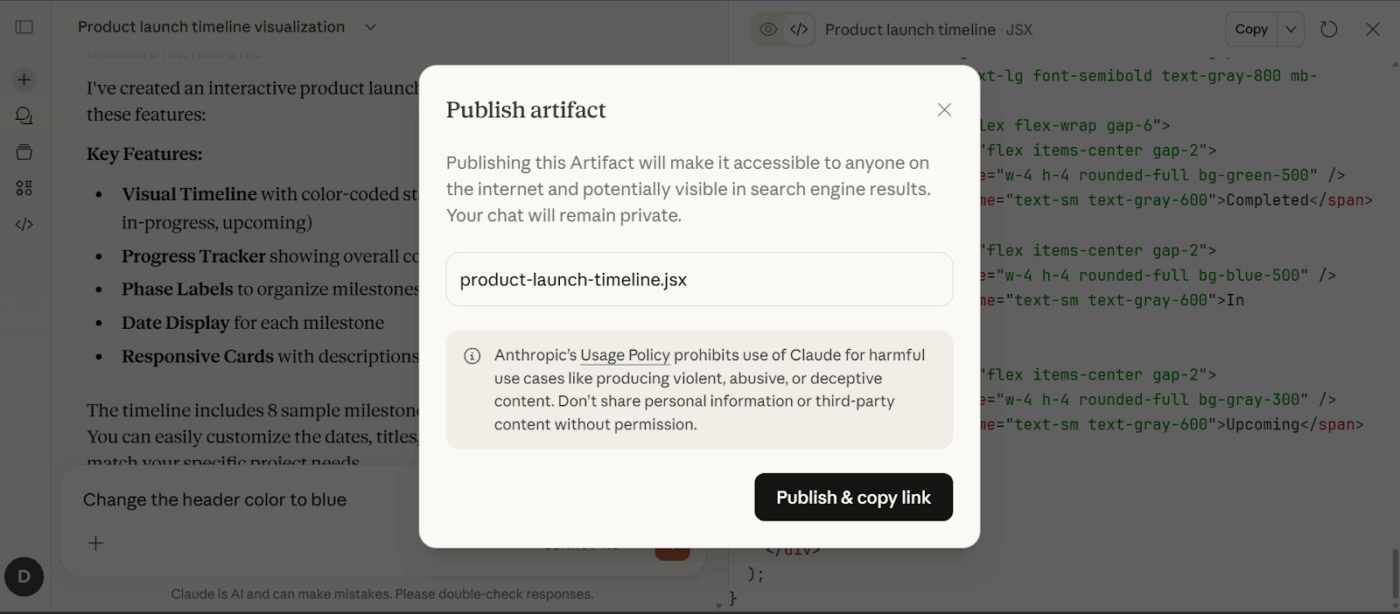
Claude Code Artifacts arrived in beta in June 2026, initially for Team and Enterprise plans. They let you turn a coding-agent session into a hosted web page that someone else can inspect in a browser. Think of a pull-request walkthrough with annotated diffs, an incident page assembled from logs, or a release checklist that updates while Claude works.
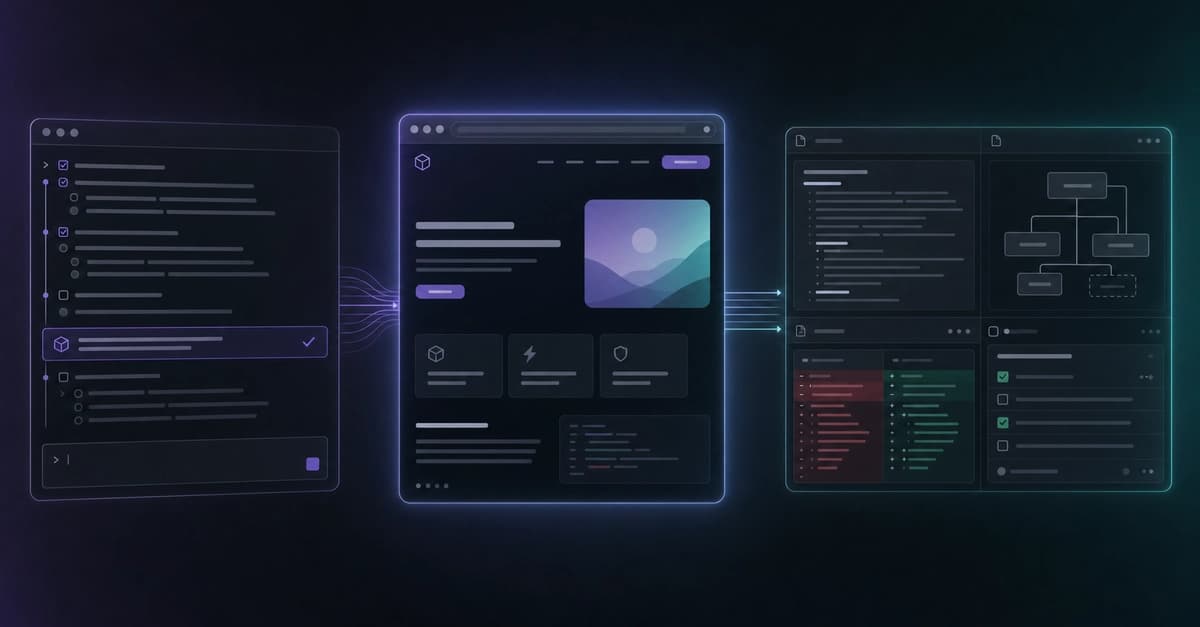
The core idea: Claude Code already knows what happened in the session—what you asked, which files it read, what it changed, what tests ran, and what data came back from connected MCP tools. An artifact reorganizes that context into a purpose-built page designed for a reader.
What It Means For You
If you've ever pasted terminal output into a Slack message or spent 20 minutes writing a status update, artifacts change that workflow. You no longer need to manually summarize. Instead, you prompt Claude to build the page.
Key examples from the source:
- A pull-request walkthrough that explains the reasoning behind a diff
- A bug report with reproduction steps, root cause, patch, and test evidence
- An incident page combining logs, timeline, and remediation tasks
- A release readiness checklist tracking completed and remaining work
- A security review grouped by severity and affected file
- A stakeholder update translating technical progress into a visual summary
The feature's center of gravity is communication. Rather than showing source code, it turns a working session into a page designed for a reader.
How To Create One — The Prompt Pattern
Creation is prompt-driven. There is no special syntax. Just ask Claude Code for the page you want and name the intended reader.

Good prompt:
Create an artifact that walks through this pull request for a reviewer.
Show the goal, the important files, the meaningful diff sections, the tests
that passed, and the two decisions where I still want feedback.
Better prompt — answers four questions:
- Who is reading it? (code reviewer, engineering manager, customer support)
- What should they understand? (the conclusion, decision, or workflow)
- What evidence matters? (exact files, diff sections, test results, logs)
- What should the reader do next? (approve, give feedback, be aware)
Example:
Create an artifact for this incident. Include the timeline, the evidence we
found, the root cause, the fix, and the follow-up tasks. Make it readable by
an engineering manager who was not in the debugging session.
Current Limits You Must Know
Artifacts are hosted pages, not miniature production environments. This creates boundaries:
1. Self-contained format. The launch version has a 16 MiB page cap and a strict content security policy that blocks external scripts, styles, fonts, images, and view-time network requests. Good for explanations, reports, diagrams, and dashboards. Bad for anything needing a live backend or third-party API.
2. Version history is not permanent. The Compliance API exposes roughly the 20 most recently published versions. Older versions are not retained indefinitely. Keep the source that matters in your repository.
3. Privacy model changes. An artifact is built from session context—source code, logs, internal data. Review the generated page before publishing. Anthropic's API model includes owner, users, org, and public read modes. Confirm the active sharing setting rather than inferring it from the URL.
4. Artifact vs preview deployment. If someone needs to click through the running frontend, test authentication, or verify server-side integration, publish a preview deployment. If they need to understand what changed and why, an artifact is often the faster answer.
Try It Now
In your next Claude Code session, after completing a significant task, prompt:
Create an artifact that summarizes what we just did for [reader type].
Include [specific evidence]. The reader should [take action].
Review the generated page before publishing. Share the URL. Your reviewer gets a visual summary instead of a wall of terminal text.
Source: dev.to