Key Takeaways
- Claude Code v2.1.158 brings auto mode to Bedrock, Vertex, and Azure.
- Set
CLAUDE_CODE_ENABLE_AUTO_MODE=1and upgrade before the June 1 deprecation ofCLAUDE_CODE_OPUS_4_6_FAST_MODE_OVERRIDE.
What Changed — Auto Mode Expands to Managed Inference Platforms
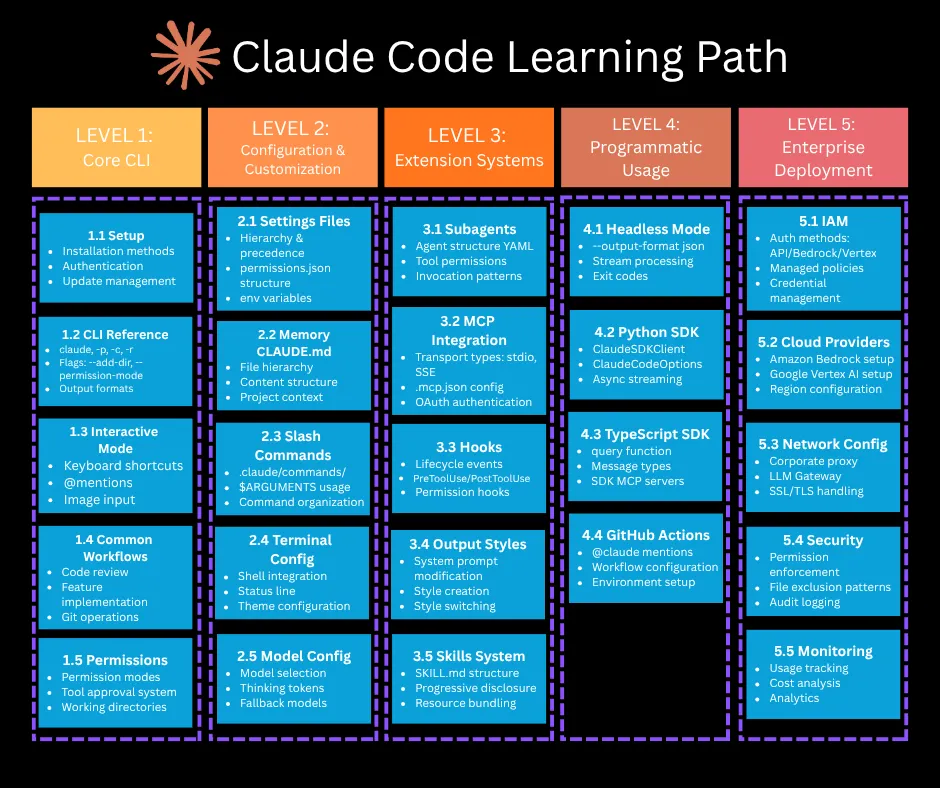
Claude Code v2.1.158 (May 30, 2026) ships one headline feature: classifier-gated execution — called "auto mode" — is now available on AWS Bedrock, Google Vertex AI, and Azure Foundry. Until now, auto mode was exclusive to Claude.ai Max and Teams (since v2.1.83, March 2026). Enterprise teams on managed inference platforms had no access to the classifier. Every tool call required manual approval or the blunt --dangerously-skip-permissions flag.
This release lands atop a dense 48-hour cluster of updates:
- v2.1.154 (May 28): Opus 4.8 becomes default on Max/Team Premium; Dynamic Workflows introduced;
CLAUDE_CODE_OPUS_4_6_FAST_MODE_OVERRIDEdeprecated with June 1 removal date. - v2.1.156 (May 29): Mandatory for Opus 4.8 users — fixes thinking block mutation that caused deterministic API 400 errors.
- v2.1.157 (May 29): 20+ fixes including local skill auto-loading and mid-session worktree switching.
- v2.1.158 (May 30): Auto mode on Bedrock, Vertex, Azure Foundry for Opus 4.7 and 4.8.
What It Means For You — Two Hard Deadlines
1. Upgrade to v2.1.156+ if you use Opus 4.8
Versions below v2.1.156 mutate thinking blocks between turns. Opus 4.8 rejects this with deterministic API 400 errors — not intermittent, but on every affected turn. This was the sole fix in v2.1.156. Upgrade the CLI first, then resume any in-progress sessions.
2. CLAUDE_CODE_OPUS_4_6_FAST_MODE_OVERRIDE dies June 1, 2026
This env var is removed with no graceful fallback. Audit your CI pipelines, Dockerfiles, and startup scripts now. The replacement: run /model claude-opus-4-6 followed by /fast on inside a session. Fast mode on Opus 4.8 costs 2× the standard rate for 2.5× the speed.
Try It Now — Enable Auto Mode in 4 Steps

Step 1: Upgrade the CLI
npm install -g @anthropic-ai/claude-code@latest
claude --version
# Should print 2.1.158
Step 2: Set the environment variable (Bedrock, Vertex, Azure Foundry only)
export CLAUDE_CODE_ENABLE_AUTO_MODE=1
# Or add to your .env / managed inference environment config
VSCode pay-as-you-go users: Auto mode was already enabled in v2.1.154 for this configuration. Skip this step — setting the env var has no effect.
Step 3: Select a supported model
Auto mode requires Opus 4.7 or Opus 4.8. Older model variants on these platforms do not expose the classifier endpoint and will not honor the env var.
Step 4: Verify it's working
Run /status inside Claude Code and confirm auto: on in the output. Send a low-risk Bash command like ls -la — it should proceed without a manual approval prompt.
Provider-specific config examples
# Minimal safe-execution config for each provider

# AWS Bedrock
env = {
    "CLAUDE_CODE_USE_BEDROCK": "1",
    "AWS_REGION": "us-east-1",
    "CLAUDE_CODE_ENABLE_AUTO_MODE": "1"
}
model = "anthropic.claude-sonnet-4-5-20250929-v1:0"

# Google Vertex AI
env = {
    "CLAUDE_CODE_USE_VERTEX": "1",
    "CLOUD_ML_REGION": "us-central1",
    "CLAUDE_CODE_ENABLE_AUTO_MODE": "1"
}
model = "claude-sonnet-4-5@20250929"

# Azure Foundry
env = {
    "ANTHROPIC_BASE_URL": "https://<resource>.services.ai.azure.com/anthropic",
    "CLAUDE_CODE_ENABLE_AUTO_MODE": "1"
}
model = "claude-sonnet-4-5"
How Classifier-Gated Execution Works
Auto mode runs a classifier over every tool call at decision time:
- Provably-safe operations (read-only file access, low-risk Bash) → proceed without prompting
- Clearly risky actions (credential access, network writes) → hard-blocked
- Ambiguous actions → fall through to manual approval
It sits between full manual approval and --dangerously-skip-permissions. The classifier is model-specific — only Opus 4.7 and 4.8 expose the endpoint on managed platforms.
Why This Matters for Enterprise Teams
If you're on Bedrock, Vertex, or Azure, you previously had two choices: approve every tool call (slow) or skip permissions entirely (risky). Auto mode gives you a middle ground — faster iteration without compromising security. For teams running Claude Code in CI/CD pipelines or automated refactoring workflows, this is the unlock that makes managed inference practical at scale.
Source: dev.to
[Updated 19 Jun via devto_claudecode]
The hotfix in v2.1.156, released at 01:42 UTC on May 29, 2026, patches a specific thinking block mutation path where whitespace stripping during multi-turn sequences caused signed payloads to be rejected byte-for-byte by the Anthropic API [per dev.to]. The error always surfaced on turn N+1, making it indistinguishable from a logic error in agentic workflows. Only Opus 4.8 sessions with extended thinking active (/effort high or higher) were affected; Opus 4.7, all Sonnet variants, and Haiku were not impacted.