The Problem: Too Many Claudes
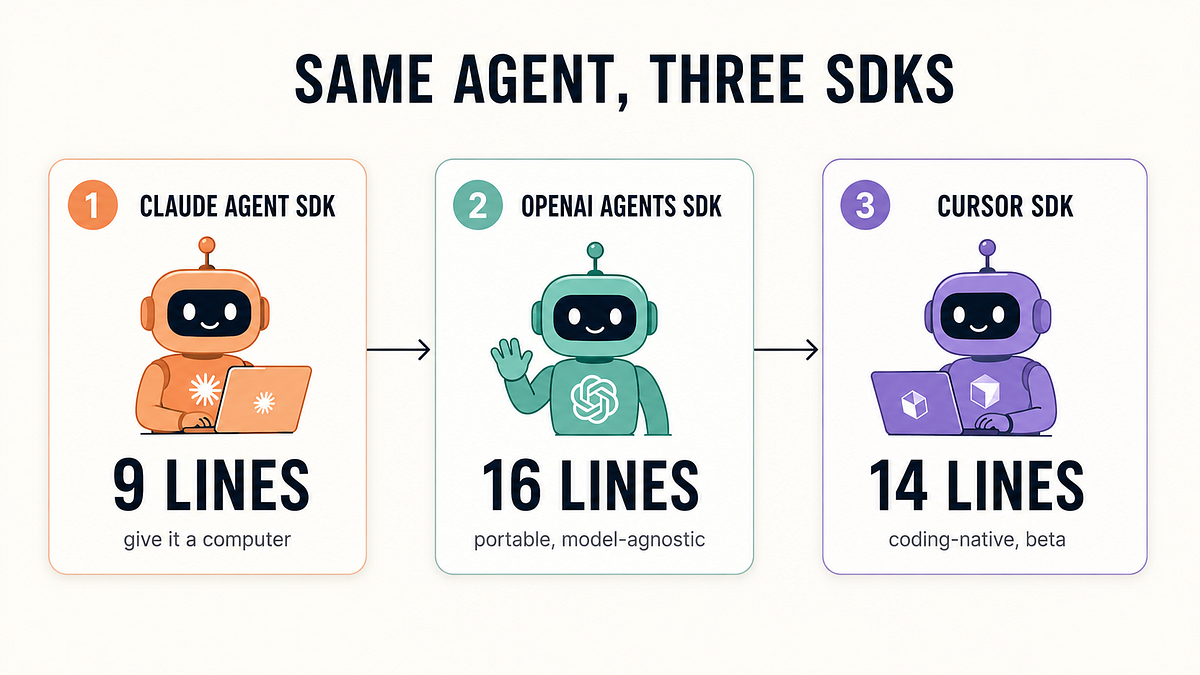
Anthropic’s ecosystem has expanded rapidly. For developers, the choice is no longer just "use Claude." You now have Claude Code (the IDE-native tool), Claude AI (the web/desktop chat app), and Claude Agent (the multi-agent framework). Using the wrong one wastes time and context.
The Breakdown: What Each Tool Is For
Claude Code is your integrated development partner. It lives directly in your editor (like VS Code or Cursor), has deep access to your project files via the claude-code CLI, and is optimized for iterative coding, debugging, and refactoring. Its killer feature is the CLAUDE.md file for persistent project context.
Claude AI is the general-purpose conversational interface. Use it for brainstorming high-level architecture, drafting documentation, or analyzing error logs you paste into the chat. It recently gained persistent memory and context import, but it lacks the deep, real-time file system integration of Claude Code.
Claude Agent is a multi-agent framework for complex, autonomous workflows. Think of it for orchestrating tasks that require specialized roles—like having one agent write code, another run tests, and a third review the PR—all automatically. It’s powerful but overkill for most daily coding.
The Decision Matrix: Which Tool When?
- You're actively coding in your IDE: Use Claude Code. Period. Its integration is unmatched. Prompt it with
claude code "explain this function and suggest optimizations"right in your terminal. - You need to brainstorm or plan before coding: Start in Claude AI. Draft your system design or API schema there. Once you have a plan, switch to Claude Code to implement it with the
/import-contextfeature to bring your brainstorming over. - You're building a complex, multi-step automation: Evaluate Claude Agent. For example, setting up a pipeline that clones a repo, updates dependencies, runs a test suite, and deploys on a schedule is an Agent task.
- You're debugging a cryptic error: Use Claude AI first. Paste the full stack trace and logs. Its broader knowledge can often pinpoint the root cause (e.g., a conflicting library version). Then, take the solution back to Claude Code to fix the actual code.
The New Workflow: Context Import Changes Everything
The recent update adding persistent memory and context import to Claude AI (and Claude Code) is a game-changer for workflow.
- Plan in Claude AI: Describe your new feature in the chat. Let it help you outline the modules and interfaces.
- Use the Context Import: In Claude Code, use the new feature to import the entire conversation and outline from Claude AI. This is more efficient than copy-pasting and preserves reasoning.
- Execute in Claude Code: Now Claude Code has the full plan in context. Start implementing with commands like
claude code "generate the React component for the user profile based on our plan".
This creates a seamless loop: high-level thinking in the chat app, followed by precise execution in the IDE.
Your New Default Stack
For 90% of development work, your stack should be: Claude Code as your primary driver, with Claude AI as your planning/analysis sidekick.
Configure your CLAUDE.md to reflect this. Add a section like:
## Workflow
- Feature planning and error analysis happen in Claude AI.
- All implementation, refactoring, and in-file debugging happen here in Claude Code.
- Use the context import feature to bring plans from Claude AI into this project.
Stop trying to force one tool to do everything. By intentionally separating your planning and execution environments, you’ll leverage the strengths of each Claude and ship code faster.