What It Does — A Session Manager for Claude Code
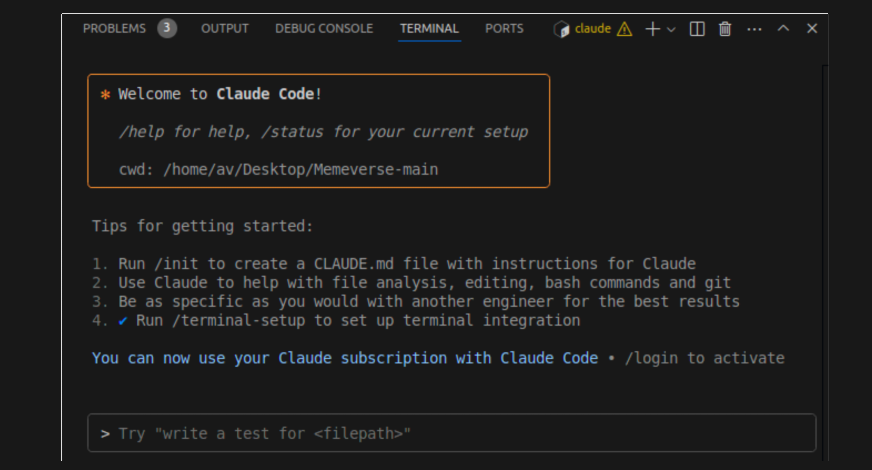
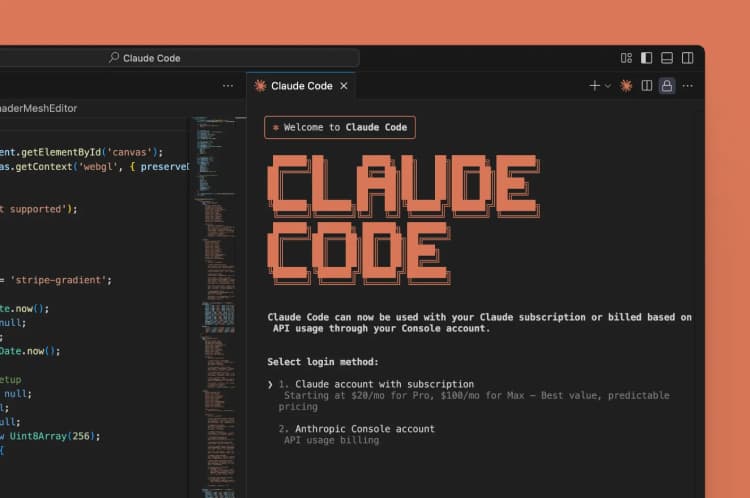
ClawIDE is a free and open-source integrated development environment built specifically to manage multiple Claude Code sessions. While Claude Code itself is a powerful terminal-based agent, it's designed to run as a single session per terminal instance. ClawIDE solves this by providing a web interface where you can launch, monitor, and switch between multiple Claude Code sessions simultaneously.
This addresses a real pain point: developers working on multiple projects or features often need separate Claude Code contexts. Previously, this required multiple terminal windows or complex tmux/screen setups. ClawIDE centralizes this management in a browser tab.
Why It Matters — Parallel Development Workflows
Claude Code's strength is its deep integration with your file system and shell. However, being tied to a single terminal session limits parallel workflows. Imagine:
- Having one session refactoring a backend API while another builds a React component
- Debugging a production issue in one session while prototyping a new feature in another
- Running long-running tests or data migrations in a background session while continuing development
ClawIDE makes these scenarios practical. Each session maintains its own context, file access, and conversation history. This follows Claude Code's recent focus on workflow efficiency, like the Tool Search feature that defers MCP tool definitions to save 90% of context tokens.
How To Use It — Getting Started with ClawIDE
Since ClawIDE is open source, you can run it locally or use the hosted version at clawide.app. The setup is straightforward:
# Clone the repository
git clone https://github.com/[username]/clawide
cd clawide

# Install dependencies
npm install

# Start the development server
npm run dev
Once running, you'll see a dashboard where you can:
- Start New Sessions: Click "New Session" to launch a fresh Claude Code instance
- Configure Sessions: Set working directories, environment variables, or specific Claude Code flags
- Switch Between Sessions: Click between tabs to move between different Claude Code contexts
- Monitor Activity: See which sessions are active and their recent commands
The interface provides terminal-like interaction with each Claude Code instance while maintaining the convenience of browser tabs.
Integration with Your Existing Setup
ClawIDE doesn't replace your editor—it complements it. You can:
- Keep using VS Code or JetBrains IDEs for editing
- Use ClawIDE specifically for Claude Code interactions
- Copy commands and outputs between your IDE and ClawIDE sessions
This aligns with Claude Code's multi-platform strategy (CLI + VS Code + JetBrains + web). ClawIDE extends the web component specifically for session management.
When To Reach for ClawIDE
Use ClawIDE when you need:
- Parallel Development: Multiple features or bug fixes in progress simultaneously
- Context Separation: Clean separation between different project contexts
- Long-Running Tasks: Background Claude Code sessions for migrations, tests, or data processing
- Team Collaboration: Sharing specific Claude Code sessions with team members (future feature)
For single-session work, the standard Claude Code terminal or IDE integration remains optimal. But for complex development workflows, ClawIDE provides the missing session management layer.
The Open Source Advantage
Being open source means you can:
- Self-host for security-sensitive projects
- Customize the interface for your team's workflow
- Add integrations with your internal tools
- Contribute features back to the community
This follows the broader trend of Claude Code's ecosystem growth, where third-party tools like smart_approve.py and SNARC already integrate with the platform.
Limitations and Considerations
ClawIDE is a new project with minimal documentation and community discussion (only 3 points and 2 comments on Hacker News at publication). Early adopters should expect:
- Basic functionality without advanced features
- Potential stability issues in early releases
- Limited integration with local development tools
However, for developers hitting the single-session limitation of Claude Code, ClawIDE offers a practical solution worth exploring.
Try It Today
Visit clawide.app to try the hosted version, or clone the repository to run it locally. Start by creating two sessions: one for your main project and another for experimentation. Notice how you can maintain separate conversation contexts while switching between them instantly—something impossible with standard Claude Code alone.