The Technique — Session Recovery and Context Permanence
If you accidentally close your terminal or your session times out, your work isn't lost. The claude --resume command is your lifeline. Running it in your terminal will list all your previous Claude Code sessions. You can select one to jump back in exactly where you left off, with all uploaded documents and conversation context intact.
For an even faster recovery, use claude --continue. This command automatically reopens your most recent session without showing you a list. It's perfect for when you're pulled away and need to pick up right where you stopped.
Why It Works — Persistent Session Management
Claude Code runs sessions as persistent processes in the background. When you close the terminal window, the session process often remains active or in a saved state. The --resume and --continue flags query this session manager, allowing you to reconnect. This is a core feature designed for long-running analysis tasks, not just quick coding sprints.
How To Apply It — Build a Reusable Knowledge Base with CLAUDE.md
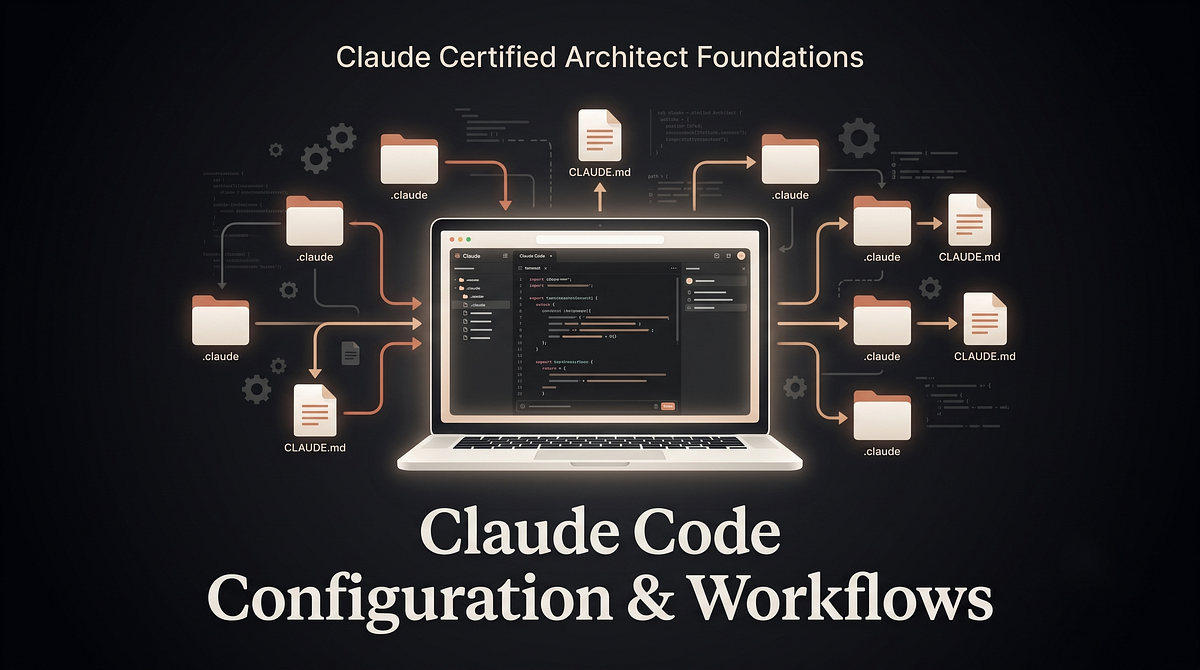
Stop explaining the same ground rules in every new chat. Create a CLAUDE.md file to serve as a permanent instruction manual and context bank for your projects.
Place this file in your project's root directory. Claude Code reads it at the start of every session within that folder. For global rules that apply everywhere, place it in ~/.claude/CLAUDE.md.
Your CLAUDE.md should contain:
- Definitions: Standardize your terminology (e.g., "For this project, 'QBR' refers to our quarterly business review template located in
/templates/"). - Formatting Rules: Specify output preferences (e.g., "Summaries must use bullet points, not paragraphs. Use British English spelling.").
- Domain Context: Explain your role, industry, and common tasks.
- Reference Pointers: Direct Claude to folders containing source materials (e.g., "Reference data is stored in
./data/industry_reports/. Please check there first.").
Example CLAUDE.md for a research analyst:
# Research Workflow Context
## Output Format
- All summaries must be in bullet points.
- Include a "Key Takeaway" header at the top.
- Cite page numbers from source PDFs when possible.
## Source Credibility
- A "credible source" means: peer-reviewed journals, SEC filings, or earnings transcripts.
- Always prioritize primary sources over secondary commentary.
## Reference Materials
- Company profiles are in `./research/company_profiles/`.
- Previous analysis is in `./archive/`.
This setup means you never have to type those instructions again. Just navigate to your project folder and start a session. Claude will already know how you work.