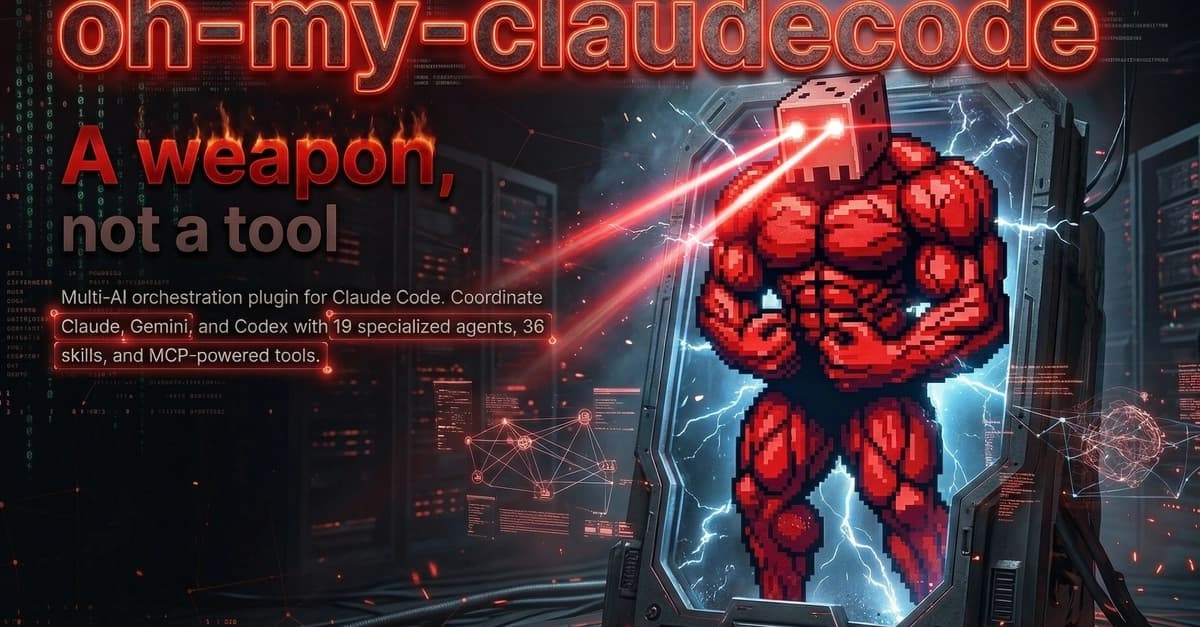
While the official Claude Code CLI handles single-agent tasks well, oh-my-claudecode (OMC) transforms it into a multi-agent orchestration platform. This isn't just incremental improvement—it's a different paradigm where specialized AI agents work in parallel like an engineering team.
What OMC Actually Does
OMC wraps Claude Code with swarm intelligence capabilities. Instead of one AI handling everything sequentially, you get:
- Multiple specialized agents working concurrently (planning, coding, reviewing)
- Multi-model support (Claude, Gemini, Codex) with smart routing
- Parallel execution through Team Mode and Ultrawork modes
- Human-in-the-loop checkpoints where an orchestrator asks for approval before proceeding
- tmux integration that visually shows agents working in separate panes
The Team Mode Workflow That Actually Works
For medium-to-large tasks (multi-file features, complex refactors), use team 3:executor:

# Install OMC first
pip install oh-my-claudecode

# Run a complex task with the team
omc team 3:executor "Build a React dashboard with real-time analytics"
What happens next:
- Planning phase: One agent creates architecture and PRD
- Execution phase: Multiple coding agents work in parallel on different components
- Review phase: Review agents validate code quality
- Checkpoint: Orchestrator shows progress and asks "Proceed?"
You'll see this unfold in real-time across tmux panes—different agents streaming logs simultaneously.
Smart Model Routing Saves Your API Budget
OMC doesn't just use Claude Opus for everything. It routes intelligently:
- Claude Haiku for quick file searches and simple reads
- Claude Sonnet for most coding tasks
- Claude Opus only for complex architectural decisions
- Gemini for UI generation tasks where it excels
This automatic routing can cut your token usage by 40-60% compared to running everything through Opus.
When To Use OMC vs Official Claude Code
Use Official Claude Code for:
- Quick Q&A and minor fixes
- When you need absolute stability
- Simple single-file edits
Switch to OMC for:
- Multi-file features or refactors
- Projects needing parallel execution speed
- Complex tasks where different AI models have complementary strengths
- When you want visual feedback via tmux panes
Installation and First Run
# Install with pip
pip install oh-my-claudecode

# Configure your API keys (supports multiple providers)
omc config set anthropic_api_key YOUR_KEY
omc config set google_api_key YOUR_KEY  # Optional for Gemini

# Test with a small task first
omc autopilot "Add error handling to this Python function"

# Then try team mode for larger tasks
omc team 3:executor "Refactor this module to use async/await"
The tmux Visualization Advantage
If you have tmux installed, OMC automatically splits your terminal into panes showing:

- Orchestrator logs (main control)
- Planning agent output
- Multiple coding agents working
- Review agent feedback
This isn't just eye candy—it lets you monitor which agents are stuck, which are progressing, and where bottlenecks occur.
Memory That Actually Works Across Sessions
OMC implements a skill learning system where agents remember:
- Your project's specific patterns and conventions
- Architectural decisions made previously
- Common refactoring approaches you prefer
No more pasting the same architectural guidelines into every prompt. The agents learn your project's "personality."
Cursor Integration for GUI Lovers
If you prefer Cursor over the terminal:
- Install the Claude Code extension in Cursor
- Add OMC as a plugin
- Access swarm intelligence directly from the editor
You lose the tmux visualization but gain GUI convenience.
Start Here: The Mode Selection Matrix
Don't guess which mode to use—match the tool to the task:
Small (Q&A, fixes) Simple Native Claude Code Medium (few files) Hands-offomc autopilot
Medium (need completion)
Guaranteed
omc ralph
Medium (max speed)
Parallel
omc ultrawork
Medium (structured)
Phased
omc pipeline
Large (complex)
Team approach
omc team 3:executor
Large (multi-model)
Model collaboration
omc ccg or omc team with workers
For most developers, start with autopilot for medium tasks and graduate to team 3:executor when you need parallel execution for complex work.
The Bottom Line
oh-my-claudecode isn't replacing Claude Code—it's amplifying it. Install OMC when:
- You're tired of sequential AI bottlenecks
- Your API bills are climbing from overusing Opus
- You need multiple AI perspectives on complex problems
- You want to watch AI collaboration in real-time
The setup takes 5 minutes, and the speed gains are immediate. For large tasks, the parallel execution alone can cut development time by 3x.