What It Does
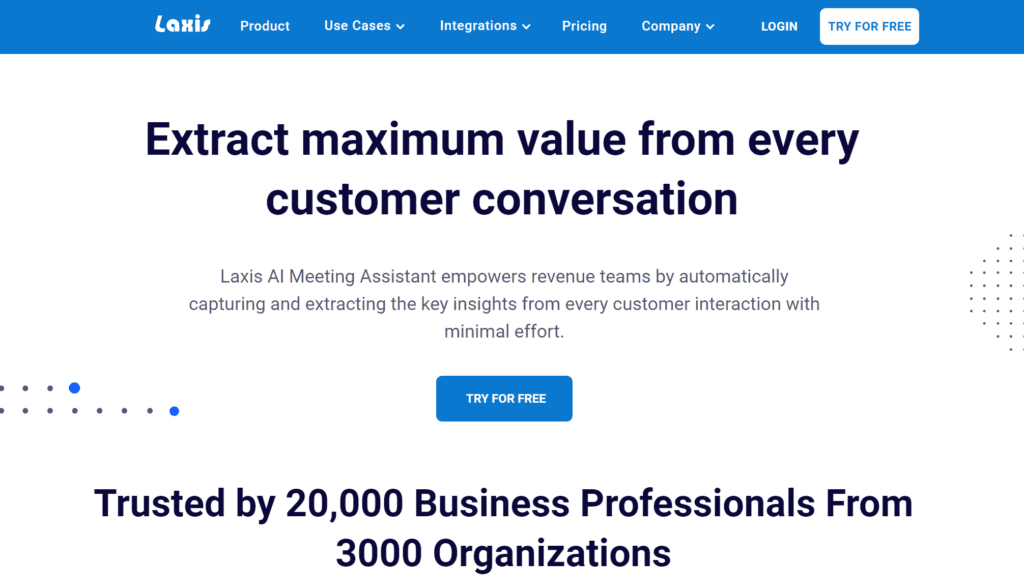
Read AI's MCP (Model Context Protocol) server connects your meeting platforms—like Zoom, Google Meet, or Microsoft Teams—directly to Claude Code. Once installed, Claude can access meeting transcripts, summaries, and extracted action items as tools. This turns raw meeting audio into structured, queryable data inside your development environment.
The core function is automation: instead of manually taking notes or scrubbing through recordings, you ask Claude. For example: "Get the action items from my last stand-up" or "What was the decision about the API schema from the architecture review?" Claude uses the MCP server to fetch and process the meeting data, returning concise, actionable information.
Setup
Configuration is straightforward. You need a Read AI account (with access to its API) and to add the server to your Claude Desktop configuration file (claude_desktop_config.json).
{
  "mcpServers": {
    "read-ai": {
      "command": "npx",
      "args": [
        "-y",
        "@modelcontextprotocol/server-read-ai"
      ],
      "env": {
        "READ_AI_API_KEY": "your_api_key_here"
      }
    }
  }
}
After restarting Claude Desktop, the tools will be available. You can verify by starting a chat with Claude Code and asking, "What MCP tools do you have?" It should list Read AI's capabilities.
When To Use It
This integration shines in specific development workflows:
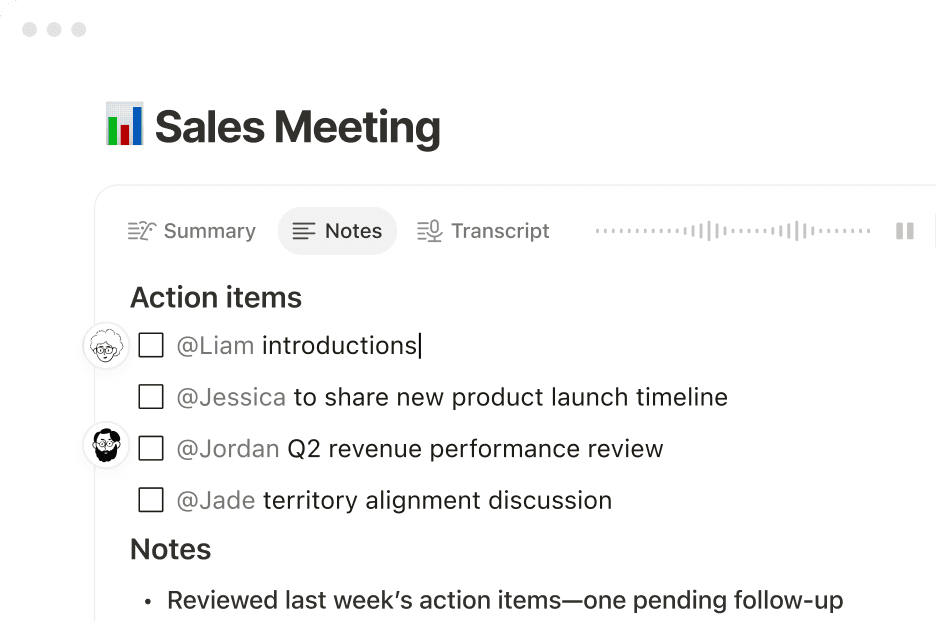
- Post-Meeting Code Generation: After a planning session, prompt: "Using the transcript from the 'Q3 Feature Planning' meeting, generate a CLAUDE.md file outlining the first sprint's technical tasks." Claude can pull the discussion and turn vague ideas into a structured development plan.
- Clarifying Requirements Mid-Task: Stuck on an implementation detail? Ask: "What were the specific acceptance criteria for the user auth refactor discussed yesterday?" This pulls precise context without searching through emails or notes.
- Automating Stand-up Updates: Instead of writing a manual update, prompt: "Based on my last three stand-up transcripts, generate a weekly progress summary for the project lead." Claude can synthesize trends and progress across meetings.
The key shift is moving from passive recording to active interrogation. You're not just storing meetings; you're making their content a queryable part of your project's context.
Prompting for Best Results
Generic prompts like "Summarize the meeting" work, but you'll get better results by being specific and task-oriented:
- Weak: "What happened in the meeting?"
- Strong: "Extract all decisions related to the database migration, and format them as a bulleted list with owners and deadlines."
- Stronger: "Compare the API endpoints agreed upon in today's backend meeting with the OpenAPI spec in the current
./apifolder. List any discrepancies."
Direct Claude to use the tool explicitly if needed: "Use the Read AI tool to get the transcript from the 2 PM design sync, then identify any action items assigned to me."
gentic.news Analysis
This MCP server is part of a clear trend: the integration of specialized, real-world data streams directly into the AI coding workflow. It follows Anthropic's push to expand Claude's capabilities beyond the codebase through MCP, a protocol designed to connect Claude to external tools and data sources securely. This aligns with our previous coverage of MCP servers for GitHub, Linear, and Sentry, which bring project management and error tracking context into the editor.
The relationship here is between a productivity/meeting intelligence platform (Read AI) and the core AI coding agent (Claude Code). It's a partnership that enhances both: Read AI gains a powerful interaction layer, and Claude Code breaks out of the pure code silo. For developers, the trend is towards a unified "project context" that includes not just the code, but the discussions, decisions, and planning that produced it. The next logical step is MCP servers that can write back to these systems—e.g., automatically updating a Jira ticket when Claude completes an action item extracted from a meeting.
For Claude Code power users, the strategy is becoming clear: curate a set of MCP servers that feed your specific development lifecycle. Read AI handles the "why" and the "what," while other servers handle the "how" (code, infra, deployments). This turns Claude from a sophisticated code autocomplete into a true project-aware assistant.