The Technique — Scripting a Multi-Stage Content Pipeline
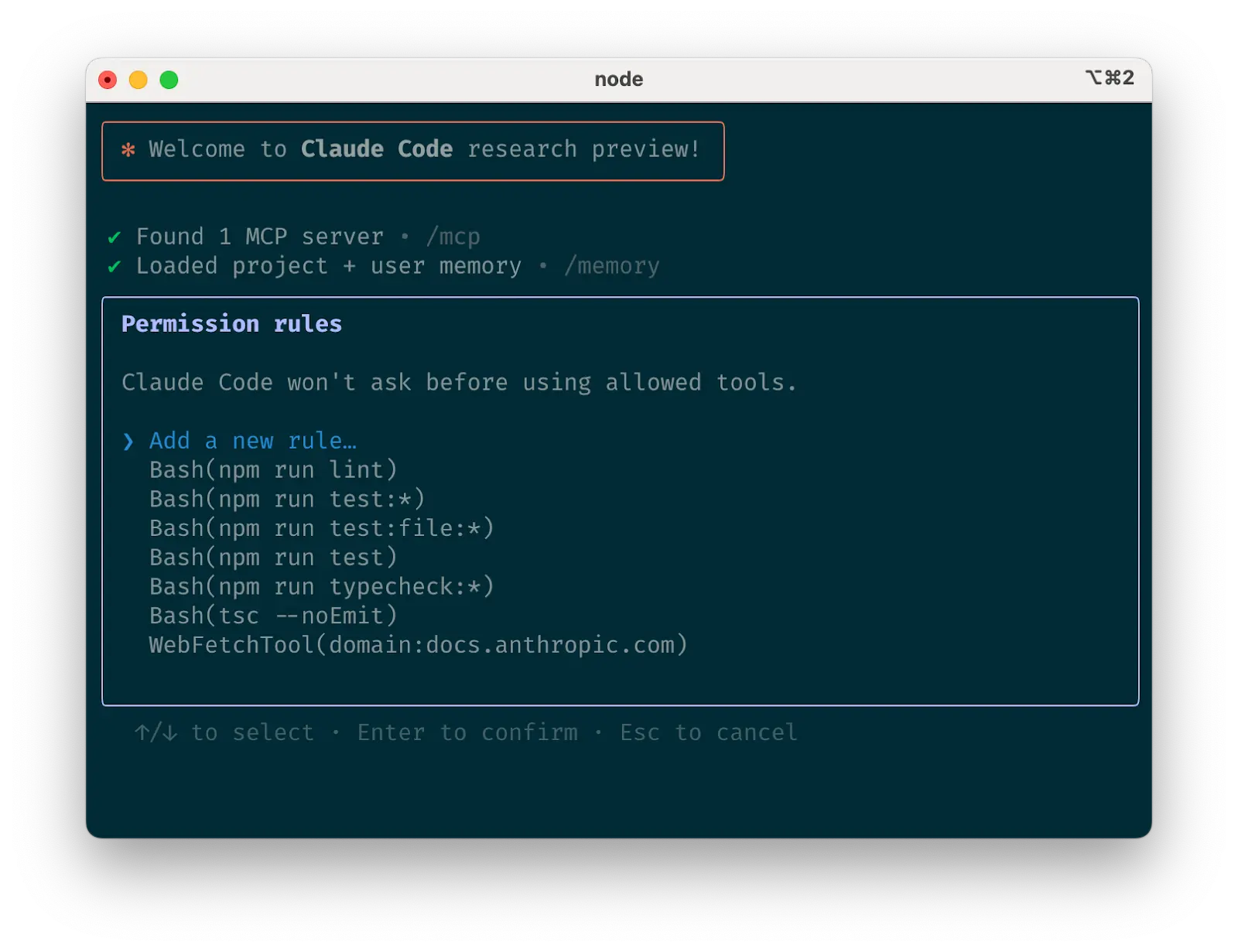
The core idea is to leverage Claude Code's unique ability to execute shell commands and perform multi-file edits within a single, continuous session. Instead of manually switching between a writing tool, an SEO checker, and a publishing platform, you script the entire workflow into a claude code session.
You start by giving Claude Code a high-level goal and a structured CLAUDE.md file that defines the pipeline stages. Claude then acts as an orchestrator, executing each stage sequentially.
Why It Works — Native Shell Access and Stateful Context
This workflow exploits two of Claude Code's fundamental strengths that generic web interfaces like ChatGPT lack:
- Direct Shell Access: Claude Code can run
curl,git,npmscripts, or any local CLI tool. This lets it pull data, run local analysis scripts, and execute deployment commands. - Stateful, Multi-File Context: The entire session—research notes, draft markdown, optimized final copy, and generated thumbnail code—lives in your project's file system. Claude can read, edit, and create files at each stage, maintaining perfect context without token-wasting copy-paste.
This follows a broader trend of developers using Claude Code for workflow automation, as seen in the open-source 'claude-code-best-practice' repo that recently hit 19.7K stars.
How To Apply It — Your CLAUDE.md Pipeline Template
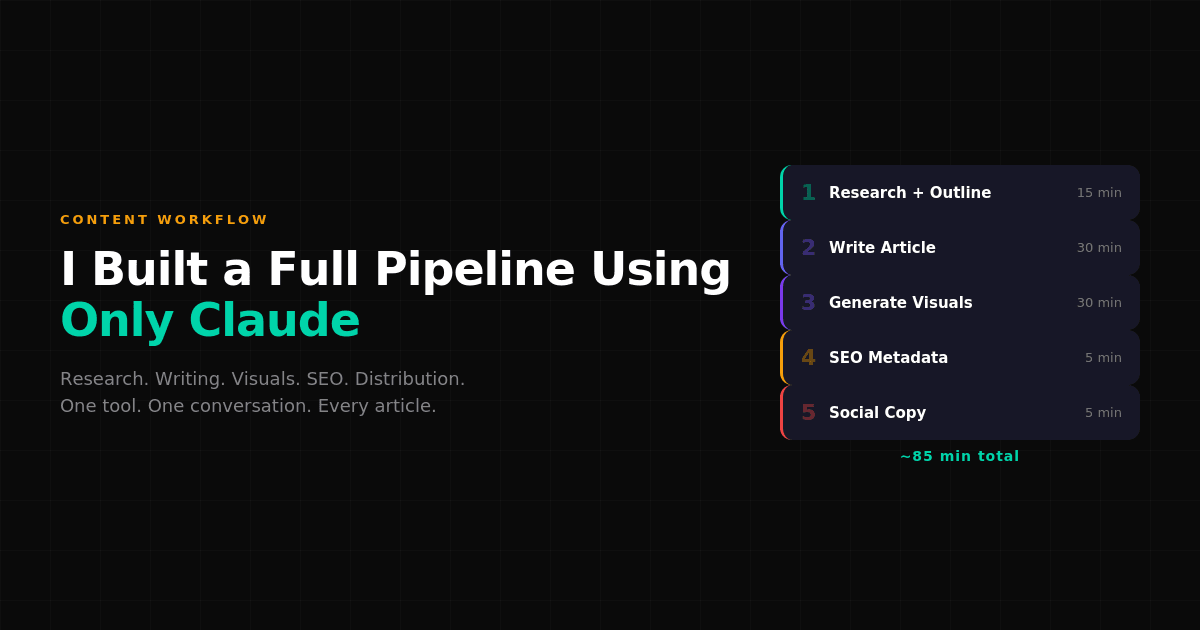
Create a CLAUDE.md in a new project directory with the following structure. This instructs Claude Code to run a five-stage pipeline.
# Content Pipeline Automation
GOAL: Create and publish a blog post on "[TOPIC]".
## PIPELINE STAGES

Execute each stage sequentially. Confirm completion before proceeding.
1. RESEARCH
- Command: Run our research scraper: `node scripts/fetch-research.js "[TOPIC]"`
- Output: Create `/research/notes.md` with key points and sources.
2. DRAFTING
- Input: Read `/research/notes.md`.
- Output: Write a first draft to `/drafts/post_v1.md`. Use an engaging, direct tone.
3. SEO & OPTIMIZATION
- Input: Read `/drafts/post_v1.md`.
- Command: Run SEO analysis: `python scripts/seo-check.py /drafts/post_v1.md`
- Output: Create optimized final draft at `/final/post.md`. Integrate keywords from the analysis.
4. THUMBNAIL GENERATION
- Input: Read `/final/post.md` to extract core concept.
- Command: Generate thumbnail via our script: `node scripts/create-thumbnail.js "[CONCEPT]"`
- Output: Place final image at `/assets/thumbnail.png`.
5. PUBLISHING
- Command: Deploy via our CMS CLI: `cms-cli publish --file /final/post.md --image /assets/thumbnail.png`
- Output: Log the published URL to `/logs/publish.log`.
## INSTRUCTIONS
- Do not proceed to the next stage until the current stage's output is verified.
- Report any errors from shell commands immediately.
- Keep all edits within this project directory.
Then, initiate the pipeline:
cd /path/to/your/content-project
claude code --instruction "Execute the content pipeline in CLAUDE.md for TOPIC='Claude Code Automation'"
Claude Code will read the CLAUDE.md file and begin executing the stages. It will run your local scripts, create and edit files, and handle the entire workflow from a single prompt. The key is having those helper scripts (fetch-research.js, seo-check.py, etc.) ready in your project. These can be simple wrappers around APIs or other local tools, which Claude Code can also help you write initially.
Integrating MCP Servers for Enhanced Work
To move beyond your local scripts, integrate Model Context Protocol (MCP) servers. For instance, you could use the newly released MCP server for Gemini Flash for file reading to enhance research, or connect to a CMS API directly. This turns your pipeline from a local automator into a connected system.
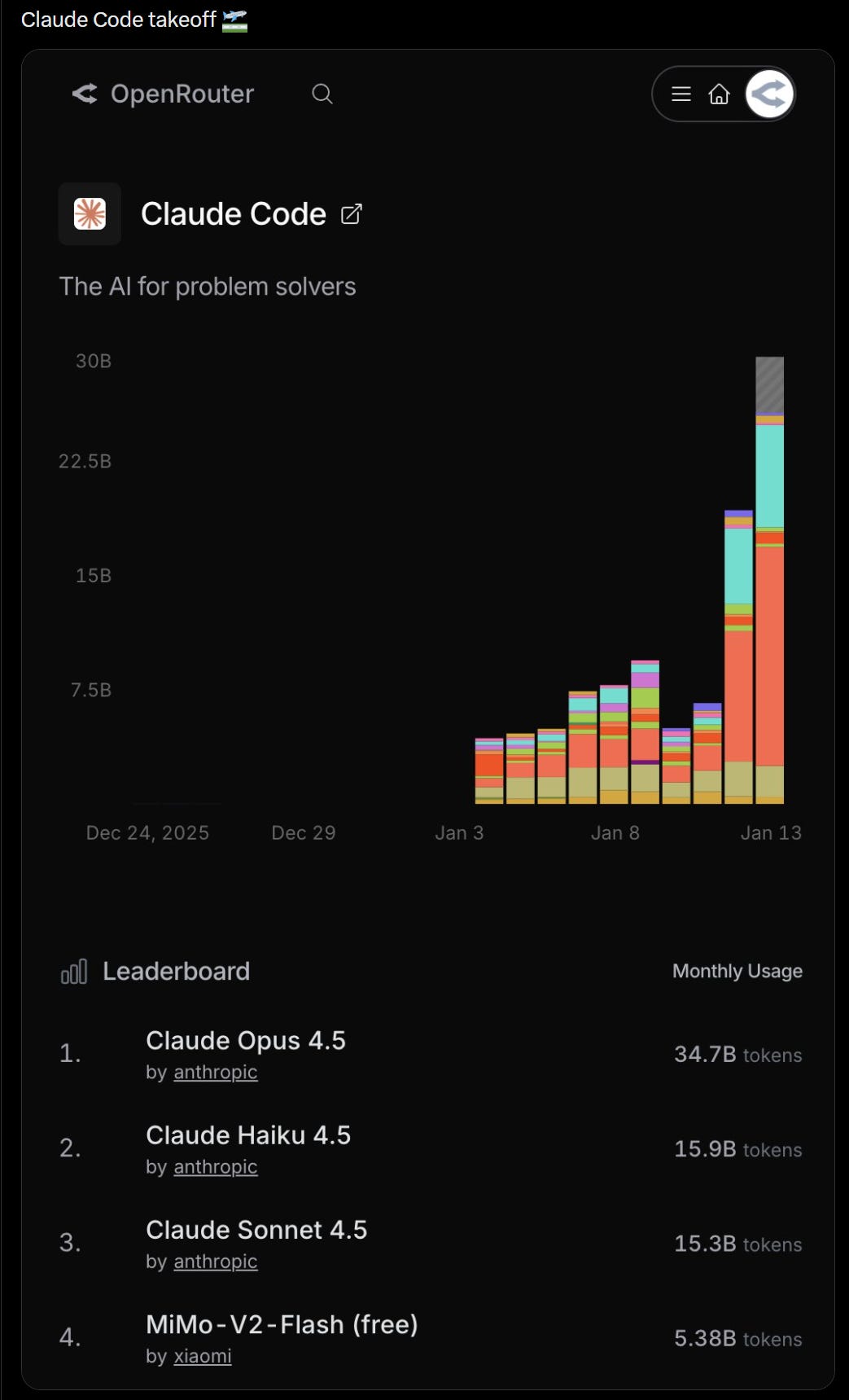
This approach aligns with the increased usage of Claude Code for agentic workflows, a trend reflected in its appearance in over 70 articles this week alone. It’s a practical application of moving from single-task prompting to building autonomous, multi-stage development and content agents.