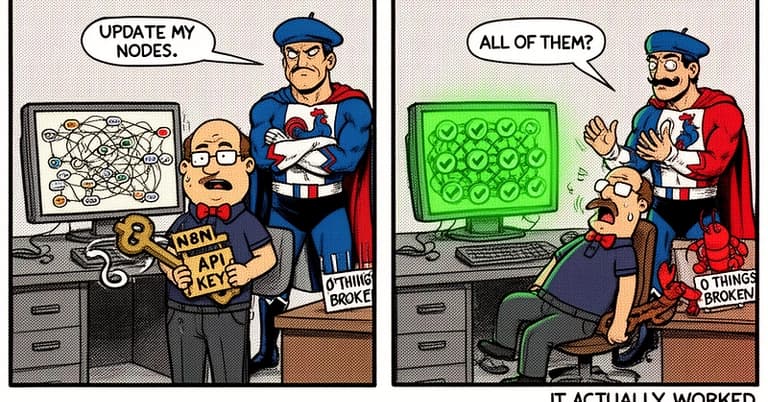
Stop context-switching. The n8n-mcp server bridges your Claude Code terminal directly to your n8n automation platform, letting you manage workflows through conversation. This is a prime example of the Model Context Protocol (MCP) in action, extending Claude's capabilities into your infrastructure.
What It Does
The n8n-mcp server gives Claude Code tools to interact with a live n8n instance. Once configured, Claude can:
- List all your workflows and their nodes.
- Fetch detailed information about specific workflows.
- Update node parameters, configurations, and connections within a workflow.
- Search for and reference n8n's official node documentation.
In short, you can ask Claude to "update the API endpoint in the 'Process Invoices' workflow" and it can execute that change directly.
Setup: Choose Your Installation Path
You have four options, from zero-maintenance to full control.

1. Hosted Service (Easiest): Go to dashboard.n8n-mcp.com. This offers 100 free calls per day with no installation. Configure it once and the service stays updated.
2. NPX (Simple & Recommended for Claude Code):
npx n8n-mcp
If this runs, you're ready to configure. This is the most straightforward path for integration with Claude Desktop/Code.
3. Docker:
docker pull ghcr.io/czlonkowski/n8n-mcp:latest
Ideal if you prefer containerized services.
4. Local Build (Advanced): Clone the GitHub repository for development or customization.
Configuration for Claude Code
First, get your n8n API key from your instance under Settings → API. Then, edit your Claude Desktop configuration file.
- macOS:
~/Library/Application Support/Claude/claude_desktop_config.json - Linux:
~/.config/Claude/claude_desktop_config.json - Windows:
%APPDATA%\Claude\claude_desktop_config.json
Add the server configuration. For a cloud n8n instance, use this "Full Config":
{
  "mcpServers": {
    "n8n-mcp": {
      "command": "npx",
      "args": ["n8n-mcp"],
      "env": {
        "MCP_MODE": "stdio",
        "LOG_LEVEL": "error",
        "DISABLE_CONSOLE_OUTPUT": "true",
        "N8N_API_URL": "https://your-n8n-instance.com/api/v1",
        "N8N_API_KEY": "your_api_key_here"
      }
    }
  }
}
For a local n8n development instance (e.g., on localhost:5678), add the WEBHOOK_SECURITY_MODE:
"env": {
  ...
  "N8N_API_URL": "http://localhost:5678/api/v1",
  "WEBHOOK_SECURITY_MODE": "moderate"
}
Restart Claude Desktop. The n8n tools will now be available in Claude Code.
When To Use It
This server shines for developers who maintain complex n8n workflows as part of their infrastructure. Use it to:
- Rapidly debug and update workflows without leaving your terminal context.
- Document or audit your automation by having Claude list and describe all active workflows.
- Bulk-update configurations, like changing a base URL across multiple HTTP Request nodes.
- Learn n8n's node library by asking Claude to fetch documentation for specific nodes.
Start with simple queries: "List my last 5 workflows" or "Show me the configuration for the 'Slack Alert' node in workflow ID 15." This follows the growing trend of MCP servers, like the ones for GitHub or linear, that turn Claude Code into a unified control plane for your developer tools.





