Key Takeaways
- Prism v1.8's MCP server gives Claude Code direct control over caches, budgets, and routing.
- Install it in 2 minutes and ditch the dashboard for terminal-based AI infrastructure management.
What Changed — Prism v1.8's Three New Surfaces

Prism, the OpenAI-compatible gateway for routing, caching, and budgeting LLM calls, just shipped v1.8. The headline: three new ways to interact with it — a CLI, an MCP server, and Python/Node SDKs. For Claude Code users, the MCP server is the game-changer.
Before v1.8, changing cache TTLs, setting routing policies, or capping budgets meant logging into a web dashboard. That works fine for one-off configs. It's terrible when you're deep in a deployment and need to tweak something fast.
Here's what landed:
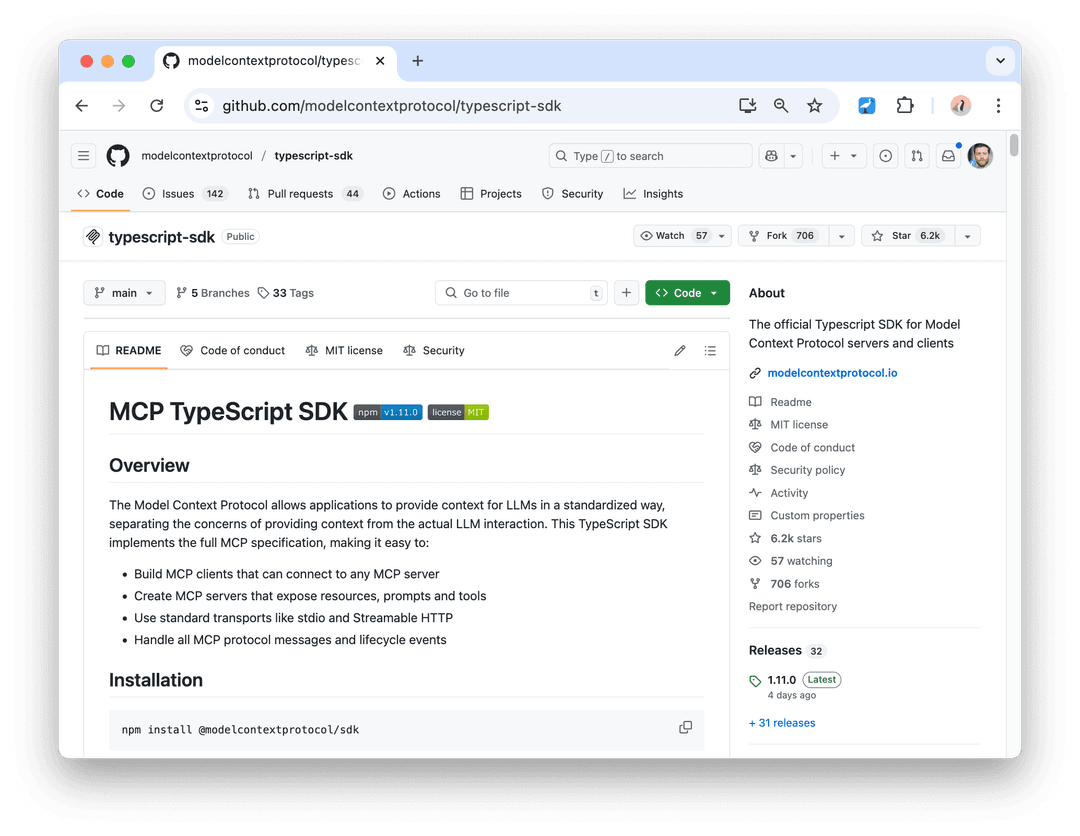
prismCLI —pip install ssimplifi-cli, 19 commands covering every operational action from the dashboard, now scriptable.prism-mcpserver —npm install -g ssimplifi-prism-mcp, exposes 22 MCP tools to Claude Desktop, Cursor, Zed, Continue, Cline — and yes, Claude Code.- Python + Node SDKs —
pip install ssimplifi/npm install ssimplifi-prism, drop-in replacements for the OpenAI SDK with Prism-specific kwargs.
Plus the underlying API now accepts API keys on every route (tier-gated: Pro/Team get programmatic access; Free/PAYG get a clean upgrade prompt). The OpenAPI spec is live at https://api.ssimplifi.com/v1/openapi.json.
What It Means For You — MCP Server + Claude Code
The MCP server is the piece that matters most if you live in Claude Code. Here's why: instead of alt-tabbing to a dashboard to check cache hit rates or adjust routing, you ask Claude Code directly.
Setup takes 2 minutes:
npm install -g ssimplifi-prism-mcp
Then add to your Claude Code config (typically ~/.claude/claude_desktop_config.json or directly in Claude Code's MCP settings):
{
  "mcpServers": {
    "prism": {
      "command": "prism-mcp",
      "env": {
        "PRISM_API_KEY": "prism_sk_..."
      }
    }
  }
}
That's it. Claude Code now has 22 tools at its disposal — 12 read-only, 10 write.
Read tools (no extra setup): Check cache stats, list models, view usage, audit logs, check provider health, list API keys, see budgets.
Write tools (requires opt-in): Change cache TTL, revoke API keys, set routing policy, update budgets, modify workspace settings.
Try It Now — Commands to Test Immediately
Once configured, try these prompts in Claude Code:
"Check my Prism cache hit rate for the last 7 days."
"List the models available through Prism with Groq as the provider."
"Show me my current usage and remaining budget."
For write operations, the MCP server has a two-layer safety design:
Per-tool confirmation — Every write tool requires
confirmed: true. Without it, the tool returns a description of what it would do. Claude Code surfaces this in natural language: "This will revoke the API key created on March 14. Are you sure?" You confirm; the tool executes.Separate write-scope key — Your regular
prism_sk_*key cannot mutate state via MCP. To enable writes, runprism mcp enable-writesin the CLI, get a confirmation email, and add the resultingprism_msk_*key asPRISM_MCP_WRITE_KEYin your config.
This means you can safely add Prism to your Claude Code config without worrying about prompt injection revoking your production keys.
For Claude Code specifically, the MCP integration means you can chain infrastructure management with code changes. Example workflow:
"Deploy the new endpoint, then update the Prism cache TTL to 60 seconds for that route, and verify the cache hit rate after 5 minutes."
Claude Code handles the deployment, calls the Prism MCP tools to update cache settings, and schedules a follow-up check — all from one prompt.
The SDK Angle — If You're Building on Prism
The Python and Node SDKs are worth mentioning. They're drop-in replacements for the OpenAI SDK in each language, but add Prism-specific kwargs (mode, session_id, cache) as first-class parameters instead of requiring extra_headers ceremony.
# Before: OpenAI SDK + extra_headers
from openai import OpenAI
client = OpenAI(base_url="https://api.ssimplifi.com/v1")
response = client.chat.completions.create(
    model="claude-opus-4.6",
    messages=[{"role": "user", "content": "Hello"}],
    extra_headers={"X-Prism-Mode": "fast"}
)

# After: Prism SDK
from ssimplifi import Prism
client = Prism(api_key="prism_sk_...")
response = client.chat.completions.create(
    model="claude-opus-4.6",
    messages=[{"role": "user", "content": "Hello"}],
    mode="fast"
)
If you're using Claude Code to write code that calls Prism, the SDKs make the integration cleaner.
Bottom Line
Prism v1.8 turns a dashboard-only product into a programmable infrastructure layer. The MCP server is what makes it relevant to Claude Code users today — install it, test the read tools, and optionally enable writes for full control from your terminal.
Source: dev.to