We've all been there. Your CLAUDE.md file grows past 200 lines, and suddenly Claude starts ignoring the back half. You find yourself pasting the same infrastructure facts into chat every session, wasting tokens and time.
One developer spent six months solving this exact problem, iterating through failed approaches to create a reference architecture that actually works. The result? A public GitHub repo with templates, scripts, and hard-won lessons about what not to do.
The Architecture: Six Layers, Two Categories
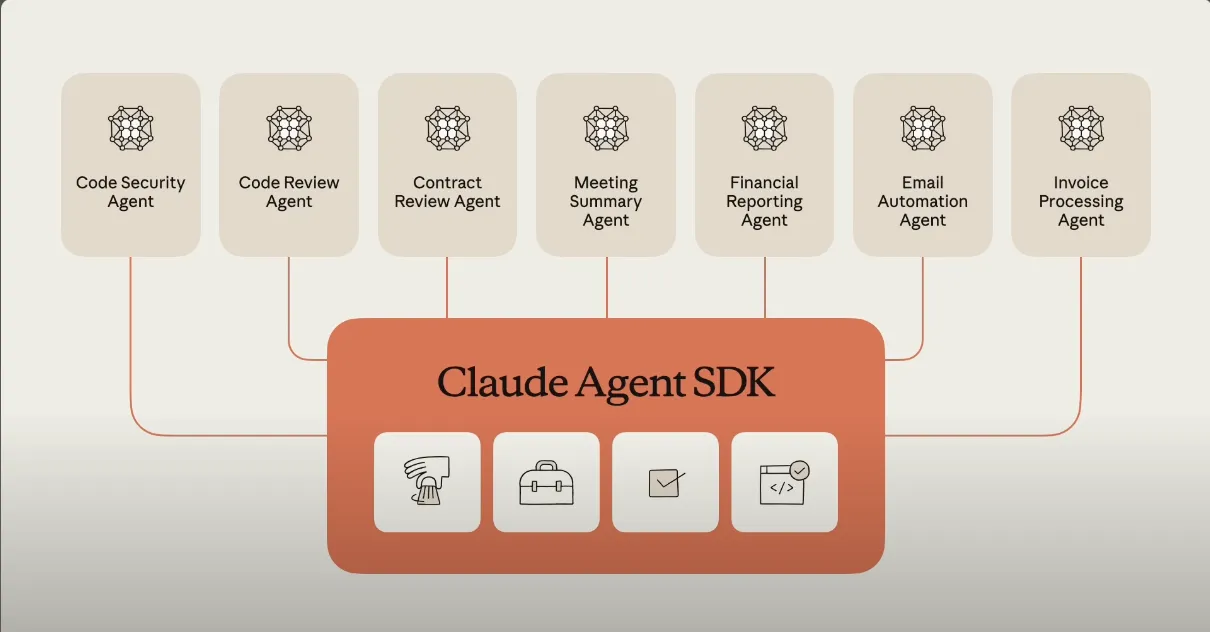
The system divides memory into two categories: always-loaded context and on-demand retrieval.
Always-loaded (Layers 1-3):
- Layer 1: Auto-memory (Claude Code's built-in persistence)
- Layer 2: System instructions (
CLAUDE.mdat global and project levels) - Layer 3: Path-scoped rules (
.claude/rules/*.mdfiles that load only when relevant files are open)
On-demand (Layers 4-6):
- Layer 4: Wiki knowledge base (Markdown files with
[[wikilinks]]) - Layer 5: Semantic vector search (Qdrant + embeddings for when keywords fail)
- Layer 6: Cognitive memory with activation decay (MSAM/Zep/Letta for temporal dynamics)
The key insight: Layers 1-3 ensure Claude starts each session knowing how to behave, while Layers 4-6 provide facts only when needed.
The Biggest Mistakes (And How to Avoid Them)
1. CLAUDE.md Bloat
The developer's first mistake was treating CLAUDE.md as a dumping ground. "Every line above the 200-line threshold is making the lines below it less effective," they warn. Anthropic's documentation explicitly recommends keeping files under 200 lines—take this seriously.
Fix: Use the provided templates (templates/global/CLAUDE.md and templates/project/CLAUDE.md), both under 60 lines each.
2. Overusing Vector Stores
They set up Qdrant early and dumped session learnings into it. Six months later: 451 points, most never retrieved. "The wiki could have solved 95% of what I was using it for."
Fix: Implement Layer 4 (wiki) first. Only add vector search when keyword lookups consistently fail.
3. Ignoring Path-Scoped Rules
Before moving Kubernetes conventions from the monolithic CLAUDE.md to .claude/rules/kubernetes.md, baseline context load was 500-800 tokens higher for every session—whether editing K8s or not.
Fix: Use the pattern immediately. Create rules like:
# .claude/rules/kubernetes.md
When editing files matching kubernetes/**, apply these conventions:
- Use kustomize over helm where possible
- Always include resource limits
- ...
4. Premature Cognitive Memory
They set up MSAM (an ACT-R-inspired memory system) for three months before having a single use case that needed temporal dynamics. "Skipping to Layer 6 before Layers 4-5 are mature is the classic over-engineering trap."
Fix: Stop at Layer 4 for at least a month. Only add Layers 5-6 when wiki limitations become obvious from actual use.
What's in the Repository
The agent-memory-architecture repo is template-heavy, not a framework. Key components:
- Sanitized templates for global/project
CLAUDE.mdfiles - Path-scoped rule examples for Kubernetes, Terraform, Dockerfiles, and wiki editing
- Memory file templates with YAML frontmatter for organization
- Utility scripts including:
rebuild-memory-index.py- audits for orphans, stale content, oversized filesbuild-wiki-graph.py- generates interactive graphs of your wiki's wikilinkscheck-sanitization.sh- pre-publish scanner for secrets and personal data
One-Line Installer (With Safety)
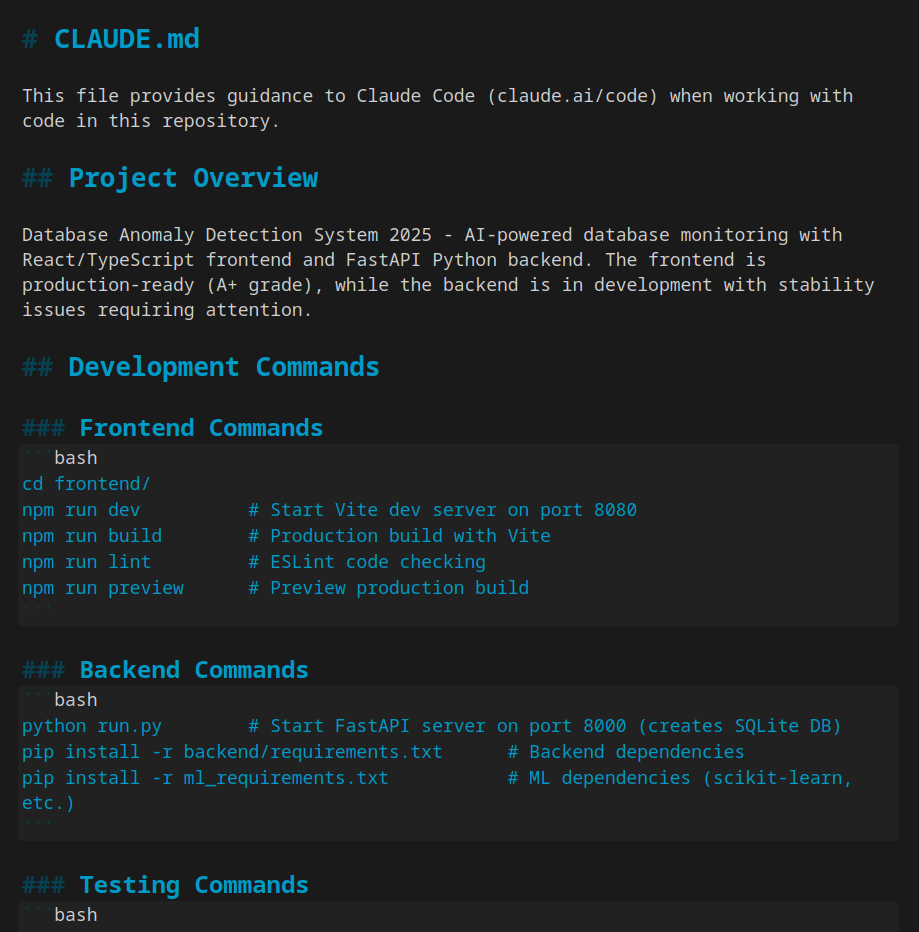
curl -sSL https://raw.githubusercontent.com/futhgar/agent-memory-architecture/main/bootstrap.sh | bash -s -- --layer=2
The installer auto-detects your agent (Claude Code, Cursor, or Aider), backs up existing files, and drops in templates. Use --dry-run first—the author wouldn't blind-trust someone else's curl-bash either.
What Most Teams Should Actually Use
Honestly: Skip Layer 6 unless you already know you need it. The cognitive memory layer is the most opinionated and least-validated part. MSAM is research-grade; Zep and Letta are production alternatives. All require infrastructure and conceptual work.
The repo's docs/getting-started.md includes a decision tree:
- Is your
CLAUDE.mdover 200 lines? Yes → try Layer 3 (path-scoped rules) - No → stay at Layer 2
- Most teams should stop at Layer 4 (wiki)
Validation Is Critical
Mid-project, the developer discovered their MSAM MCP integration was silently broken—the wrapper path in .claude.json pointed to a non-existent file. Every "use MSAM for this" instruction had been ignored for weeks.
Lesson: When you configure any memory system, test the round-trip (store → recall) before trusting it works. Configuration isn't validation.
Start Simple, Scale Only When Needed
The architecture's power comes from its incremental nature. Start with clean CLAUDE.md files under 60 lines. Add path-scoped rules when context bloat becomes noticeable. Build a wiki before considering vector search. Only reach for cognitive memory when you have clear temporal dynamics that flat files can't express.
The repository exists so you can see what the whole road looks like—not because everyone should walk it. Most developers will find dramatic improvements just by implementing Layers 2-4 properly.