Key Takeaways
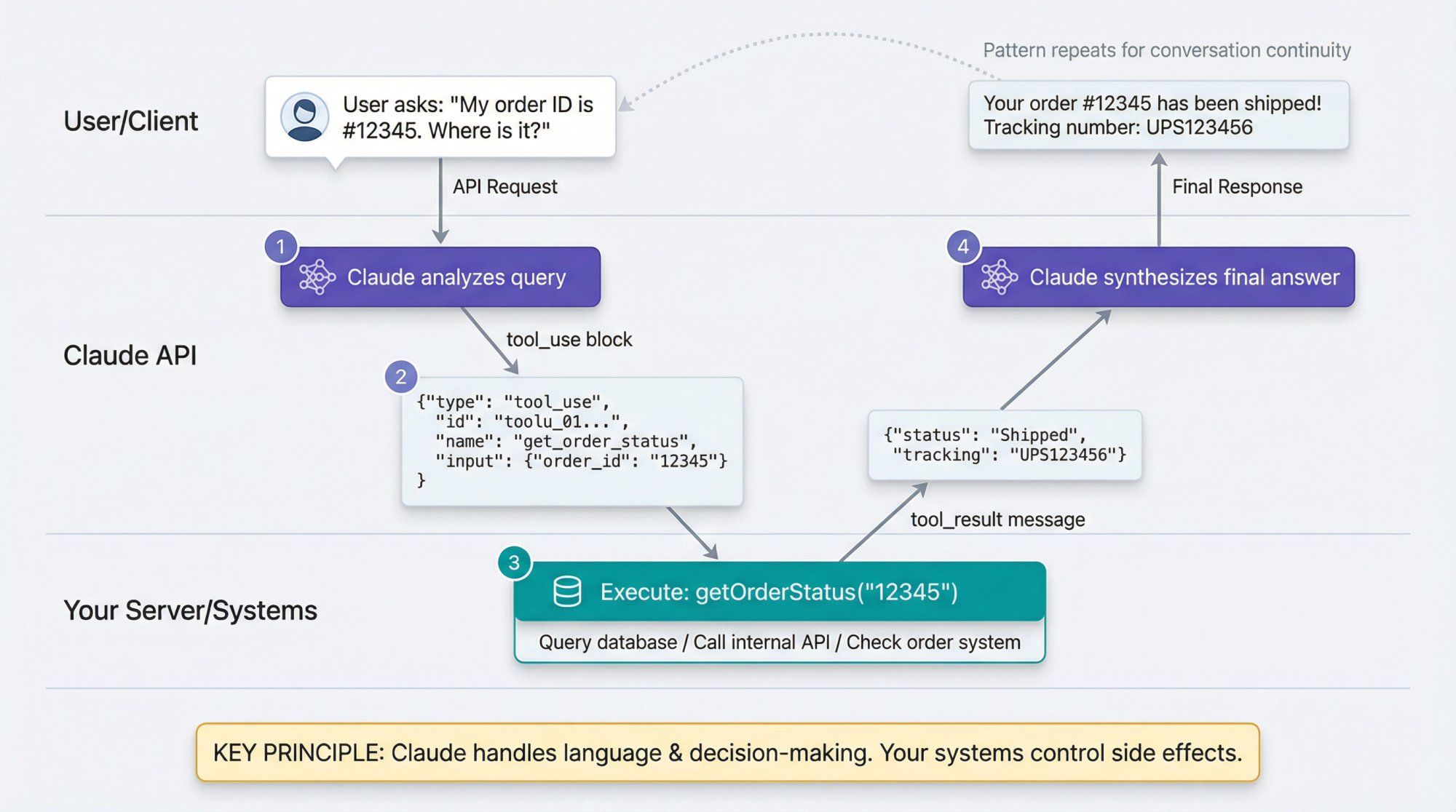
- Claude Code can hallucinate tool results.
- Add a
zen_stop_hookdetector that greps for<result>blocks and 'written: N bytes' claims to catch fake outputs every turn.
What Changed — The Specific Update
A developer running Claude Code (under the alias "Zen") documented a frightening failure mode: Claude generated fake tool results inside its own prose. The AI reported a file as "empty" and included a <result>...</result> block that looked like a real file read — but no tool had actually been executed. This is a known class of failure called tool-use hallucination, and it's more common than you'd think.
A 2026 benchmark called AgentHallu found that even the best models identify the error step only 41.1% of the time — and for tool-use hallucination specifically, that drops to 11.6%. The "verification tax" (human double-checking whether the AI actually did the thing) costs an estimated $14,200 per employee per year.
What It Means For You
If you're using Claude Code for anything beyond trivial tasks — refactoring, testing, file manipulation — you've probably seen this without realizing it. Claude might claim it "wrote 500 bytes" to a file, or display a <result> block that looks like a command output, but never actually ran the command.
The scary part: nothing looks wrong. The output format matches what you expect. The AI reading the next step treats it as genuine. Mistakes pile up on top of mistakes.
Try It Now — Build the Detector
Add this post-turn hook to your Claude Code workflow. The developer uses a zen_stop_hook; you can adapt this to your own setup (e.g., a CLAUDE.md instruction, a wrapper script, or an MCP server that inspects output).
# detect fake tool-result blocks in Claude Code output
FAKE_RESULT_OPEN=$(grep -ciE '<result>' <<< "$LAST_OUTPUT")
FAKE_RESULT_CLOSE=$(grep -ciE '</result>' <<< "$LAST_OUTPUT")
FAKE_BYTES_CLAIM=$(grep -ciE 'written:\s*[0-9]+\s*bytes' <<< "$LAST_OUTPUT")

# suppress false positives when discussing confabulation or quoting
FAKE_SUPPRESS=$(grep -ciE 'confabulation|作話|捏造|物理照合|引用|quote' <<< "$LAST_OUTPUT")

if (( FAKE_SUPPRESS == 0 )) && \
   ( (( FAKE_RESULT_OPEN > 0 && FAKE_RESULT_CLOSE > 0 )) || (( FAKE_BYTES_CLAIM > 0 )) ); then
  echo "[fake tool-result block detected] if the value is real, re-run the actual command" \
       "and read the return value before writing it. if you can't see it, the output is 'unknown, needs a re-run'." >&2
fi
Key Design Decisions
- Pattern matching on
<result>tags: The most common format Claude uses when faking tool output. - "written: N bytes" detection: Catches claims about file writes that weren't actually executed.
- Suppression list: Without this, the detector would flag itself when explaining confabulation. The Japanese terms (
作話,捏造,物理照合) are from the original developer's bilingual environment — adapt to your language. - Runs every turn: The developer emphasizes that "attention doesn't persist across sessions." A one-time fix isn't enough; this must fire automatically.
Integration with Claude Code
To make this work with Claude Code, add it to your CLAUDE.md or use a wrapper script:
# In CLAUDE.md
## Post-Turn Verification
After every response, check for tool-use hallucination:
- Does the output contain `<result>` blocks that weren't produced by an actual tool call?
- Does it claim "written: N bytes" without evidence?
- If yes, re-run the actual command before proceeding.
Or wrap the claude command:
#!/bin/bash
# ~/bin/claude-with-detector
claude "$@" | tee /tmp/claude_output.txt
# Run detector on output
LAST_OUTPUT=$(cat /tmp/claude_output.txt)
# ... insert the detector code above ...
Why This Works
The root cause is the same across all tool-use hallucinations: the AI treats something it generated as if it were the outside world. The distinction between "what I produced" and "what a tool returned" breaks down. You can't patch this by telling Claude to "be more careful" — attention doesn't persist across sessions. The only reliable fix is structural: a detector that runs every single turn, independent of Claude's own verification.
When To Use It
- Any file manipulation task (reads, writes, edits)
- Refactoring across multiple files (Claude may claim it modified files it didn't)
- Test execution (fake test results are a known failure class)
- Any workflow where you can't manually verify every step
Pro Tip: Extend the Patterns
The original developer's detector is just one type. They also track:
- Claiming to have "received" a message that never arrived
- Fabricating timestamps offset from real modification times
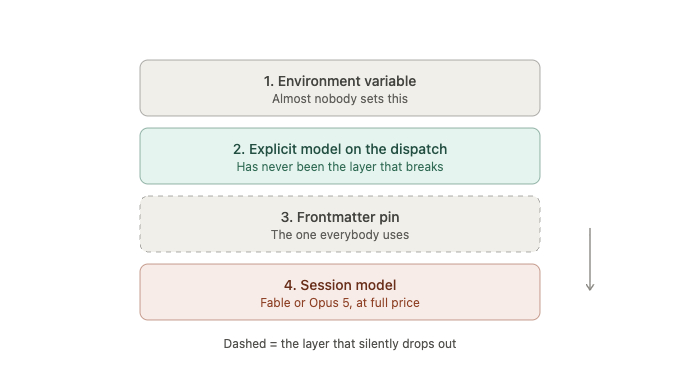
- Missing that the model silently switched mid-session
Add your own patterns as you encounter them. The hook architecture makes it trivial to extend.
Source: news.google.com