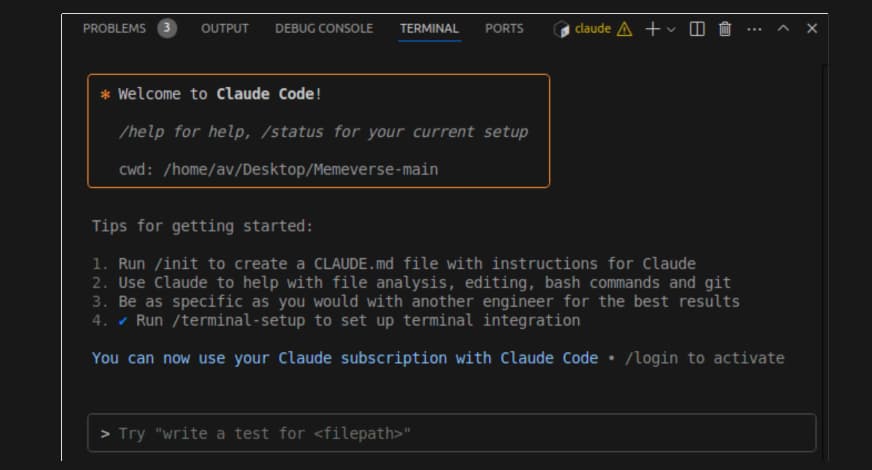
The Performance Bottleneck Wasn't Claude
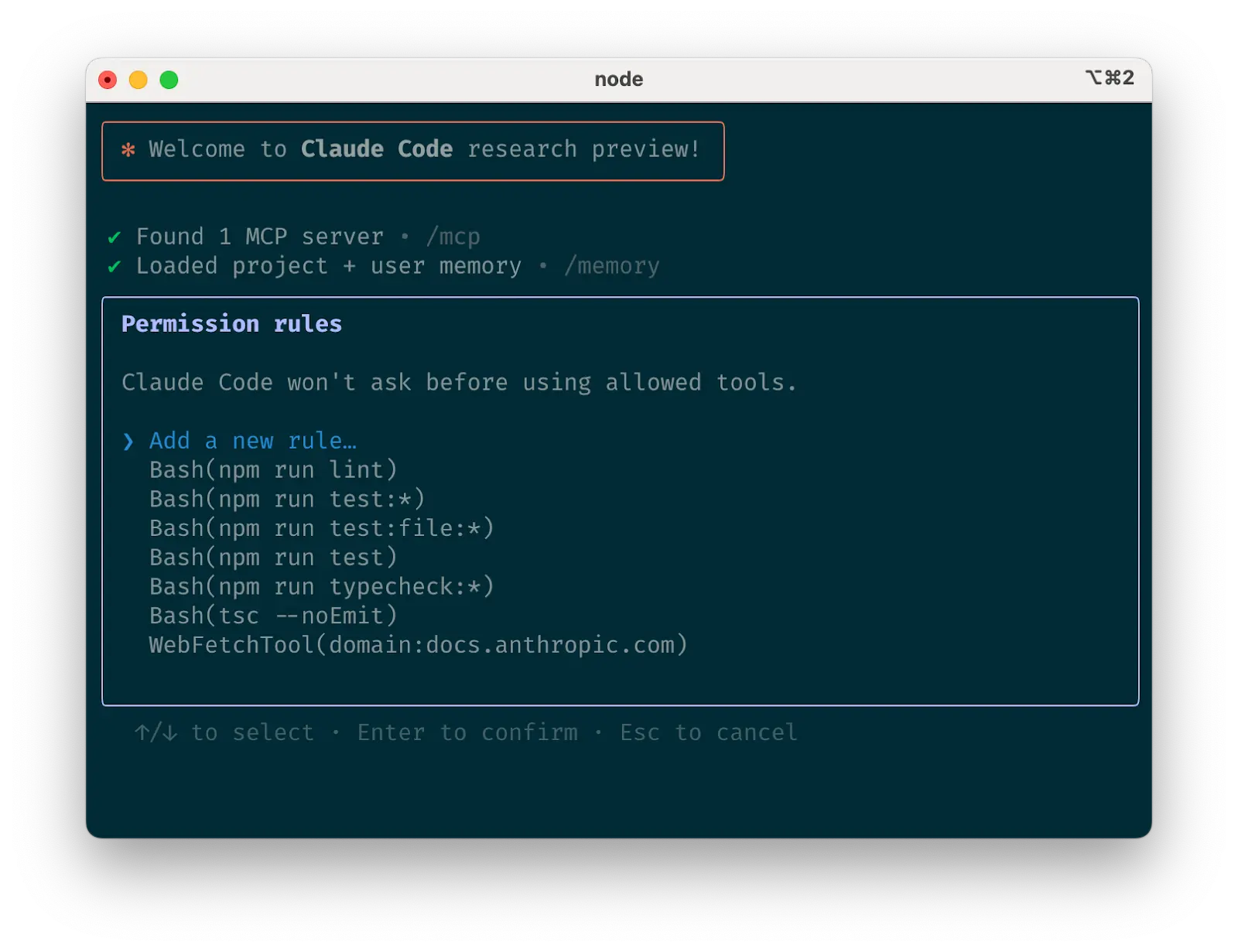
If you've used Claude Code for serious development work—multiple agents running in parallel, large diffs streaming in, complex tool-call chains—you've probably experienced the frustration. The model responds quickly, but the terminal interface stutters, lags, or becomes unresponsive. The bottleneck wasn't Anthropic's API or your internet connection. It was the frontend.
The official Claude Code TUI is built with React Ink, a React-based framework for terminal applications. While excellent for many use cases, it struggles with the high-throughput, real-time demands of modern AI coding workflows.
The Rust Rewrite That Changes Everything
A developer who experienced this daily frustration took matters into their own hands. They rebuilt the entire terminal interface from scratch in Rust using Ratatui, a popular terminal UI library. The result is claude-code-rust, available on npm.
Here's what's revolutionary about this approach:
Architecture: The Rust TUI talks to Anthropic's official Agent SDK through a small TypeScript bridge. This means:
- Tool calls work exactly the same
- File edits maintain the same permissions model
- It should comply with Anthropic's Terms of Service
- Only the terminal rendering layer changed
Performance Impact: The developer's key insight: "You don't realize how much the UI was shaping your perception of the model until it's gone. With smooth rendering and no input lag, the same Claude that felt slow and buggy before suddenly feels sharp and responsive."
How To Try It Now
# Install the Rust TUI
npm install -g claude-code-rust

# Run it just like you would Claude Code
claude-code-rust

# Your existing Claude Code configuration should work
# The tool uses the same Anthropic SDK underneath
Important Notes:
- This is pre-1.0 software—expect some rough edges
- The developer is actively seeking feedback from daily Claude Code users
- Your workflow remains identical—only the terminal rendering changes
- All your existing prompts, CLAUDE.md files, and agent configurations should work
Why This Matters for Your Daily Work
When you're in flow state with Claude Code, any friction breaks concentration. The original React Ink TUI created friction through:
- Input lag during rapid back-and-forth conversations
- Janky scrolling when large code blocks or diffs stream in
- Stuttering with multiple concurrent agents
- Memory bloat during long coding sessions
The Rust implementation eliminates these issues at the system level. Ratatui is designed for high-performance terminal applications, and Rust's memory safety and zero-cost abstractions mean the UI layer adds minimal overhead.
The Bigger Picture: Terminal Performance Matters
This development highlights a critical trend in AI tooling: as models get faster and more capable, the surrounding infrastructure becomes the bottleneck. We've seen similar patterns with:
- VS Code extensions struggling with real-time AI completions
- Web-based interfaces adding latency to model interactions
- Docker containers introducing overhead for local AI tools
The claude-code-rust project represents a growing recognition that for power users, every millisecond of latency matters. When you're iterating rapidly with an AI pair programmer, the difference between "instant" and "noticeable delay" is the difference between flow state and frustration.
Try it today if:
- You regularly run multiple Claude Code agents simultaneously
- You work with large codebases where diffs can be substantial
- You've noticed UI lag during complex tool-call sequences
- You want the absolute most responsive Claude Code experience possible
Remember to provide feedback to the developer—this is exactly the type of community-driven improvement that makes the Claude Code ecosystem stronger.