Key Takeaways
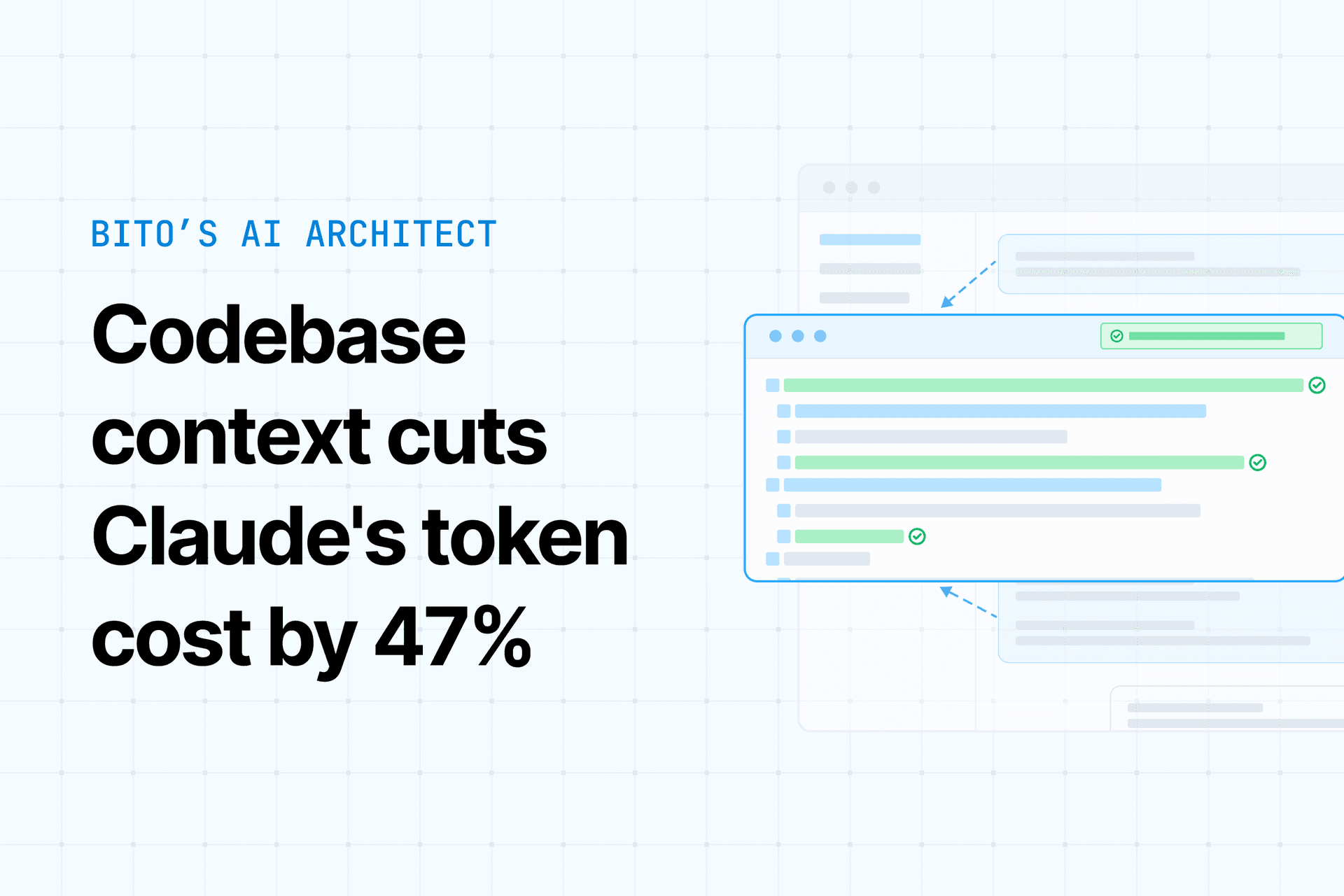
- Headroom compresses redundant context before it hits Anthropic's API, cutting token usage 15-81% on long sessions.
- Use
headroom wrap claudefor zero-config savings, then measure withheadroom_stats.
The Problem: Claude Code Resends Everything, Every Turn

Claude Code is stateless between API calls. Every message you send re-uploads the entire conversation — all tool outputs, file reads, MCP metadata — to Anthropic. On a long session, that resend becomes the bulk of your token bill. Prompt caching softens this (Anthropic gives ~90% read discount on stable prefixes), but tool results and variable JSON payloads keep breaking the cache, forcing full-price re-billing.
What Headroom Does
Headroom is a local middleware layer that sits between Claude Code and the Anthropic API. It intercepts the outbound payload and strips or compresses redundant blocks — logs, search dumps, repeated file reads — before they leave your machine. Version 0.33.0 (July 29, 2026) is current.
The compression is reversible via CCR (Compress-Cache-Retrieve): Headroom stores the original content locally under a content hash, hands the model a shorter representation, and lets Claude fetch the full original via headroom_retrieve within a one-hour TTL. So you don't lose information — you defer it.
Realistic Savings (Don't Believe the Hype)
Short conversational exchange ~4.8% (median) 25–50 turn agentic session 56–81% JSON arrays 70–90% Build/test logs 80–95% Source code (opt-in) 40–70%Headroom's README claims 15-20% overall for coding agents. One independent practitioner reported ~26% real-world savings after a month. Treat vendor figures as an upper bound — measure your own workload.
How to Attach Headroom to Claude Code

Prerequisites
- Python 3.10+ or Node 18+
- No build step (prebuilt wheels for all major platforms)
- Your Anthropic API key stays untouched — Headroom runs on localhost
Install
# Python
pip install "headroom-ai[all]"

# Node
npm install headroom-ai
Verify: headroom --version should print 0.33.0.
Three Ways to Route Claude Code Through Headroom
Path A — Agent wrap (zero code changes):
headroom wrap claude
Headroom launches Claude Code as a subprocess and compresses every payload in-process. Fastest path if you just want savings without thinking.
Path B — Transparent local proxy:
headroom proxy --port 8787
# Then in your shell:
export ANTHROPIC_BASE_URL=http://localhost:8787
claude
All traffic routes through Headroom without touching source or config.
Path C — MCP server (per-block control):
headroom mcp install
Exposes headroom_compress, headroom_retrieve, headroom_stats as tools. Claude compresses specific blocks on demand — more control, but Claude decides when to invoke.
What Gets Compressed (and What Doesn't)
ContentRouter auto-detects block types and routes to specialized compressors:
- SmartCrusher for JSON
- AST-aware CodeCompressor for source (Python, JS/TS, Go, Rust, Java, C/C++) — opt-in, off by default
- Kompress-v2-base (149M-param extractive model) for narrative text
Headroom skips compression for:
- Messages under ~300 tokens (overhead exceeds savings)
- Images, grep/search results, system prompts
What to Try After Attachment
- Measure first: Call
headroom_stats(MCP tool) for per-turn compression ratio and cumulative token delta. - Run
headroom learn: Offline failure-mining that reads past transcripts and writes distilled findings toCLAUDE.md— no token cost during conversation. - Tune CacheAligner: Configure it to hold more prefix stable to earn Anthropic's ~90% cache-read discount on top of compression.
- Shared corpus: If you run Claude and Codex in parallel, Headroom deduplicates overlapping context across both agents.
Concrete Next Step
Attach via the proxy, turn on headroom_stats, run one real session, then decide if headroom learn and CacheAligner tuning justify the setup. The gains concentrate in long, tool-heavy sessions — if your sessions are short, skip this.
Source: dev.to