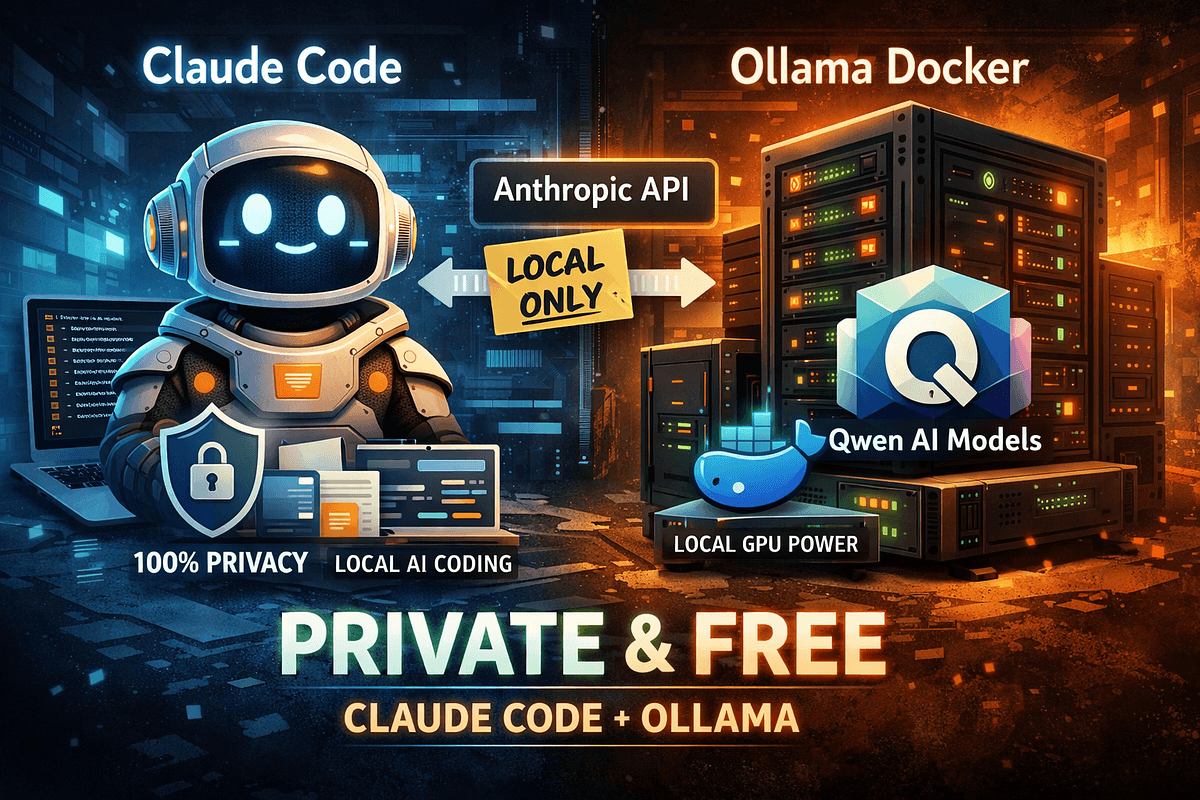
The Technique — Local Claude Code with Ollama
A developer has documented a method to run Claude Code's agentic workflow entirely offline, replacing the default cloud-based Claude models with local models served via Ollama. The core setup involves configuring Claude Code to use a local Ollama server as its model provider, specifically using open-weight models from the Qwen family. This bypasses API costs and ensures all code, prompts, and data remain private on your machine.
Why It Works — Privacy, Cost, and Open Models
Claude Code is built on the Model Context Protocol (MCP), which allows it to connect to various tools and, critically, different model backends. While it defaults to Anthropic's cloud models, its architecture doesn't lock you in. Ollama acts as a local model server that speaks a compatible API. By pointing Claude Code at http://localhost:11434, you redirect its reasoning and coding tasks to a model running on your own hardware.
The choice of Qwen models (like Qwen2.5-Coder) is strategic. As noted in our knowledge graph, Qwen is a family of models from Alibaba Cloud, with many variants distributed under the permissive Apache-2.0 license. These open-weight models are specifically tuned for coding tasks and can provide a capable, free alternative for many development workflows, from refactoring to feature implementation, without ever leaving your local network.
How To Apply It — Step-by-Step Setup
First, ensure you have Ollama installed and running. Then, pull a capable coding model. The source author recommends starting with a Qwen Coder model.
# Pull a coding model
ollama pull qwen2.5-coder:7b
# Or try a larger variant if you have the VRAM
ollama pull qwen2.5-coder:32b
Next, you need to configure Claude Code to use this local endpoint. The exact method depends on your Claude Code version and configuration method (e.g., environment variables, config file). The general approach is to set the base URL for the Claude Code client to your local Ollama instance and specify the model name.
For example, you might set an environment variable before running claude code:
export ANTHROPIC_BASE_URL=http://localhost:11434/v1
export ANTHROPIC_MODEL=qwen2.5-coder:7b
claude code "refactor this module for better error handling"
Alternatively, if you're using a configuration file for Claude Code, you would add similar settings there. You may need to consult claude code --help or the latest documentation for the precise configuration flags, as the interface can evolve.
Important Consideration: Local models, especially smaller 7B parameter versions, will not match the raw capability of Claude Opus 4.6 or Sonnet. Your CLAUDE.md instructions and prompts may need to be more explicit and step-by-step. Break complex tasks into smaller, sequential claude code commands. This follows the trend we've seen where effective CLAUDE.md usage is critical for performance, as covered in our article "Stop Wasting Your CLAUDE.md Instruction Budget — Here's What Actually Works."
When This Setup Shines
Use this local configuration when:
- Working with proprietary code: Ensure no snippet ever hits an external API.
- Experimenting or learning: Get unlimited, free iterations without worrying about token costs.
- Developing offline or in low-connectivity environments.
- You want to deeply customize or fine-tune the underlying model for your specific codebase.
For mission-critical, complex reasoning tasks, you may still want to switch back to the cloud-based Claude models. But for daily grunt work, boilerplate generation, and private refactoring, a local Qwen model via Ollama can be a powerful, sovereign addition to your toolkit.







