Key Takeaways
- Lovable now exports any app as an MCP server.
- Add the URL to Claude Code's claude.json for instant live data access — no manual API wiring required.
What Changed
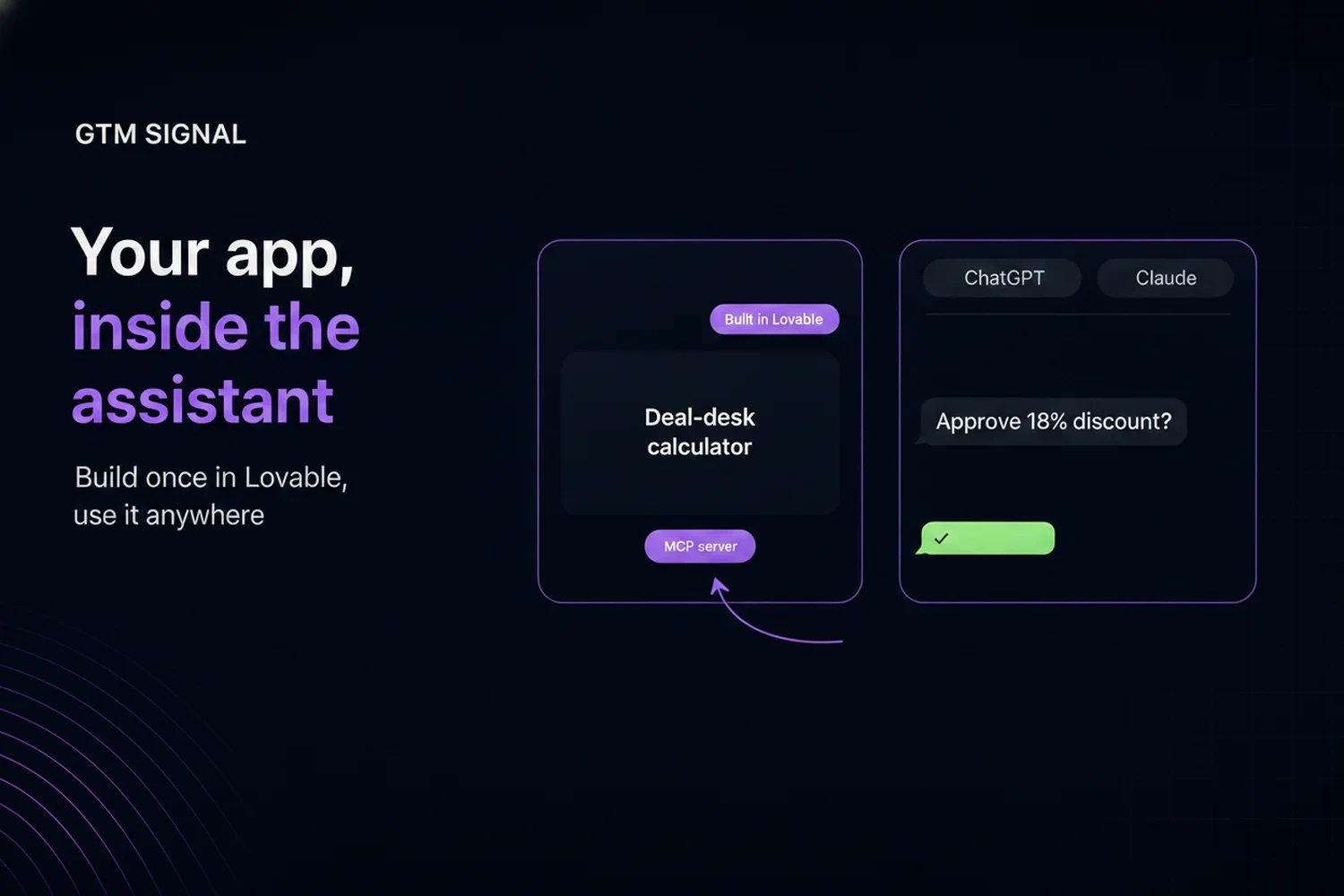
Lovable, the AI-powered app builder, now lets you publish any app you build on its platform as an MCP server. This means the app you've been building — with its database, API endpoints, and business logic — can become a tool that Claude Code can call directly.
The feature is live now in Lovable's deployment settings. No additional coding or protocol knowledge required.
What It Means For You
If you build apps with Lovable, you've been able to ship full-stack applications with a prompt. But those apps were silos — you had to manually wire up APIs or export data to use them with other AI tools.
Now, with one click, your Lovable app becomes an MCP server. Claude Code can:
- Query your app's database directly (users, orders, content)
- Trigger actions (send emails, update records, run workflows)
- Read real-time state during development and debugging
This is a huge time saver. Instead of building a separate API layer or writing export scripts, you get a standardized protocol interface that Claude Code speaks natively.
Try It Now
Step 1: Publish your Lovable app as an MCP server
- Open your app in Lovable
- Go to Settings > Deployments
- Enable Publish as MCP Server
- Copy the MCP server URL (looks like
https://your-app.lovable.app/mcp)
Step 2: Connect to Claude Code
Add the server to your Claude Code configuration:
// claude.json
{
  "mcpServers": {
    "lovable-app": {
      "url": "https://your-app.lovable.app/mcp"
    }
  }
}
Step 3: Use it in Claude Code
Now when you're working in Claude Code, you can say things like:
"Read the latest 5 orders from my app's database and summarize them"
"Update the user with email 'test@example.com' to have role 'admin'"
"What's the current state of the shopping cart for user ID 42?"
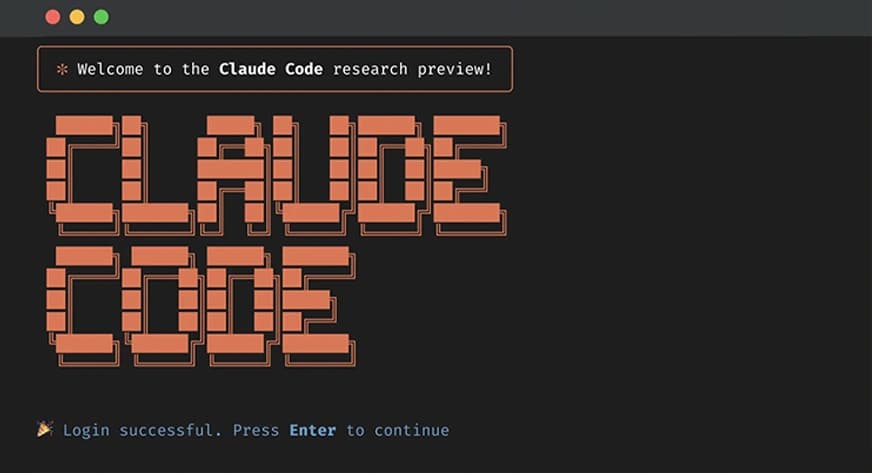
Claude Code will call your app's MCP server, execute the query or action, and return results directly in your terminal.
Why This Matters
MCP is spreading fast. As of July 2026, Google Cloud, AWS Open Data, and Directus all support MCP. Lovable joining this ecosystem means the apps you build are no longer isolated — they become composable tools in your AI development workflow.
This is especially powerful for:
- Rapid prototyping: Spin up a Lovable app, publish as MCP, and immediately use it in Claude Code to build features on top
- Debugging: Have Claude Code query your app's live state to diagnose issues
- Data pipelines: Use your app as a data source for Claude Code to analyze, transform, or report on
One Caveat
This feature is currently limited to apps deployed on Lovable's platform. If you've exported your app to your own infrastructure, you'll need to set up MCP manually. But for Lovable-hosted apps, this is a zero-config win.
Source: news.google.com