Key Takeaways
- Swap coding agents and sandbox providers without changing code.
- Preserves full interactive capabilities (approval flows, streaming).
What Changed
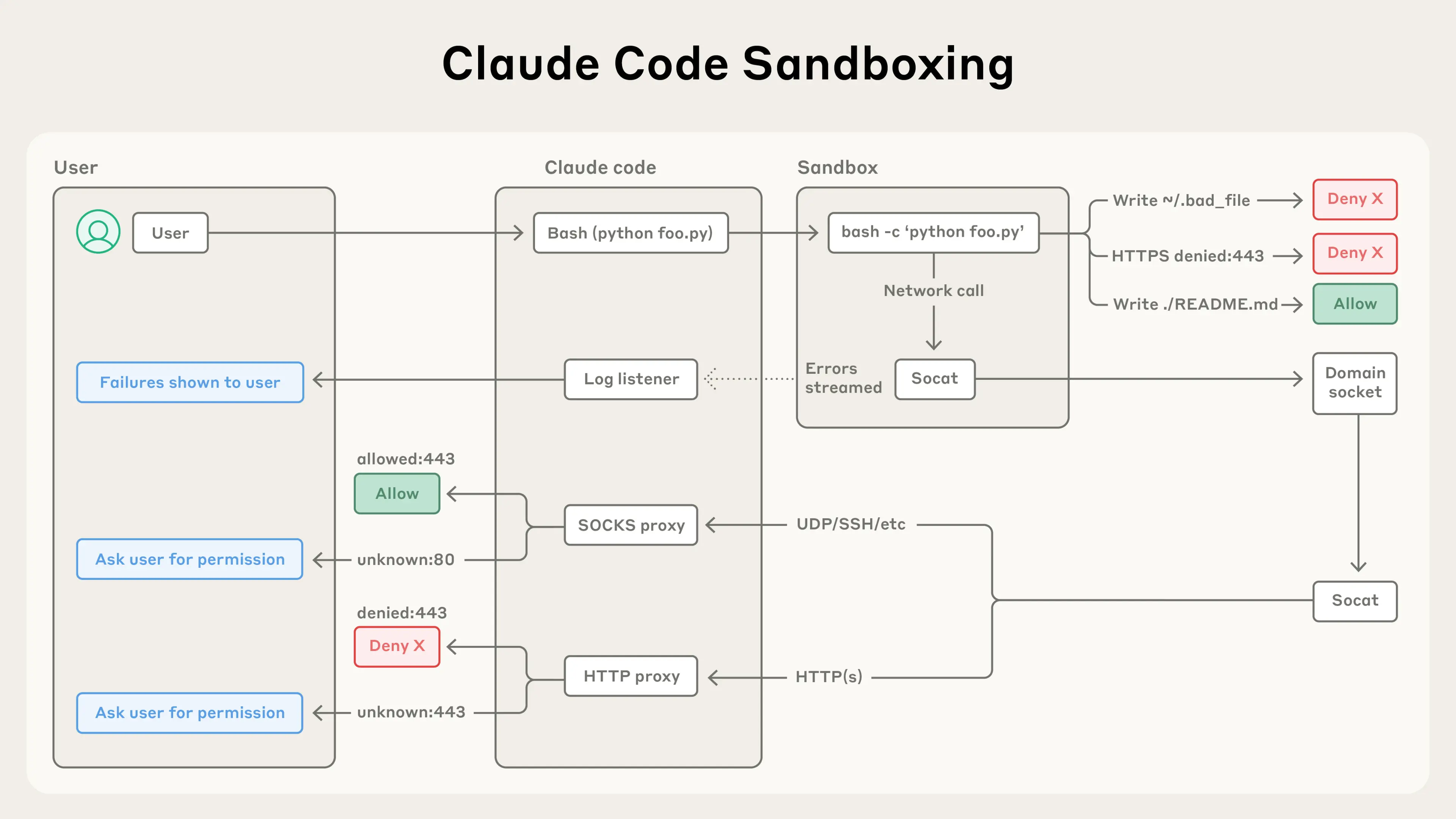
AgentBox is a new SDK that abstracts the runtime for coding agents. Instead of wrapping claude --print (non-interactive mode), it launches each agent as a server process inside a sandbox and communicates over WebSocket or HTTP. This preserves approval flows, tool-use control, and streaming events.
Key abstraction: One API for any agent + any sandbox provider.
import { Agent, Sandbox } from "agentbox-sdk";

const sandbox = new Sandbox("local-docker", {
  workingDir: "/workspace",
  image: process.env.IMAGE_ID!,
  env: { ANTHROPIC_API_KEY: process.env.ANTHROPIC_API_KEY! },
});

const agent = new Agent("claude-code", {
  sandbox,
  cwd: "/workspace",
  approvalMode: "auto",
});

const result = await agent.run({
  model: "sonnet",
  input: "Create a hello world Express server in /workspace/server.ts",
});

await sandbox.delete();
What It Means For You
If you're building multi-agent workflows or need to run Claude Code in a CI/CD pipeline, this matters. Most existing solutions call agents in non-interactive mode (claude --print), which strips away approval flows and tool-use control. AgentBox preserves the full interactive session.
Supported agents:
claude-codeopencodecodex
Supported sandboxes:
local-dockere2bmodaldaytonavercel
Swap either — your app code stays the same. This is particularly useful for:
- Running untrusted agent code in isolated environments
- Parallelizing agent runs across multiple sandboxes
- Testing different agents on the same task without refactoring
Try It Now
Install:
npm install agentbox-sdk(requires Node >= 20)Build a sandbox image:
npx agentbox image build --provider local-docker --preset browser-agentThis prints an image reference. Set it as
IMAGE_ID.Stream events in real-time:
const run = agent.stream({
  model: "sonnet",
  input: "Write a fizzbuzz in Python",
});

for await (const event of run) {
  if (event.type === "text.delta") {
    process.stdout.write(event.delta);
  }
}

const result = await run.finished;
Key methods on sandbox:
run(),runAsync(),gitClone(),openPort(),getPreviewLink(),snapshot(),stop(),delete()
gentic.news Analysis
AgentBox arrives at a time when Claude Code usage is surging — it appeared in 58 articles this week alone (total: 634 across our coverage). The trend toward running agents in sandboxed environments aligns with the recent CVE-2026-35022 security disclosure for Claude Code, which highlighted the risks of running agents without isolation.
This SDK directly addresses a pain point we've seen in our coverage: developers want to use Claude Code in CI/CD but need proper sandboxing. Previously, they had to choose between non-interactive mode (losing approval flows) or custom scripting. AgentBox provides a standardized abstraction similar to what the Vercel AI SDK did for LLM calls — but for agent + runtime.
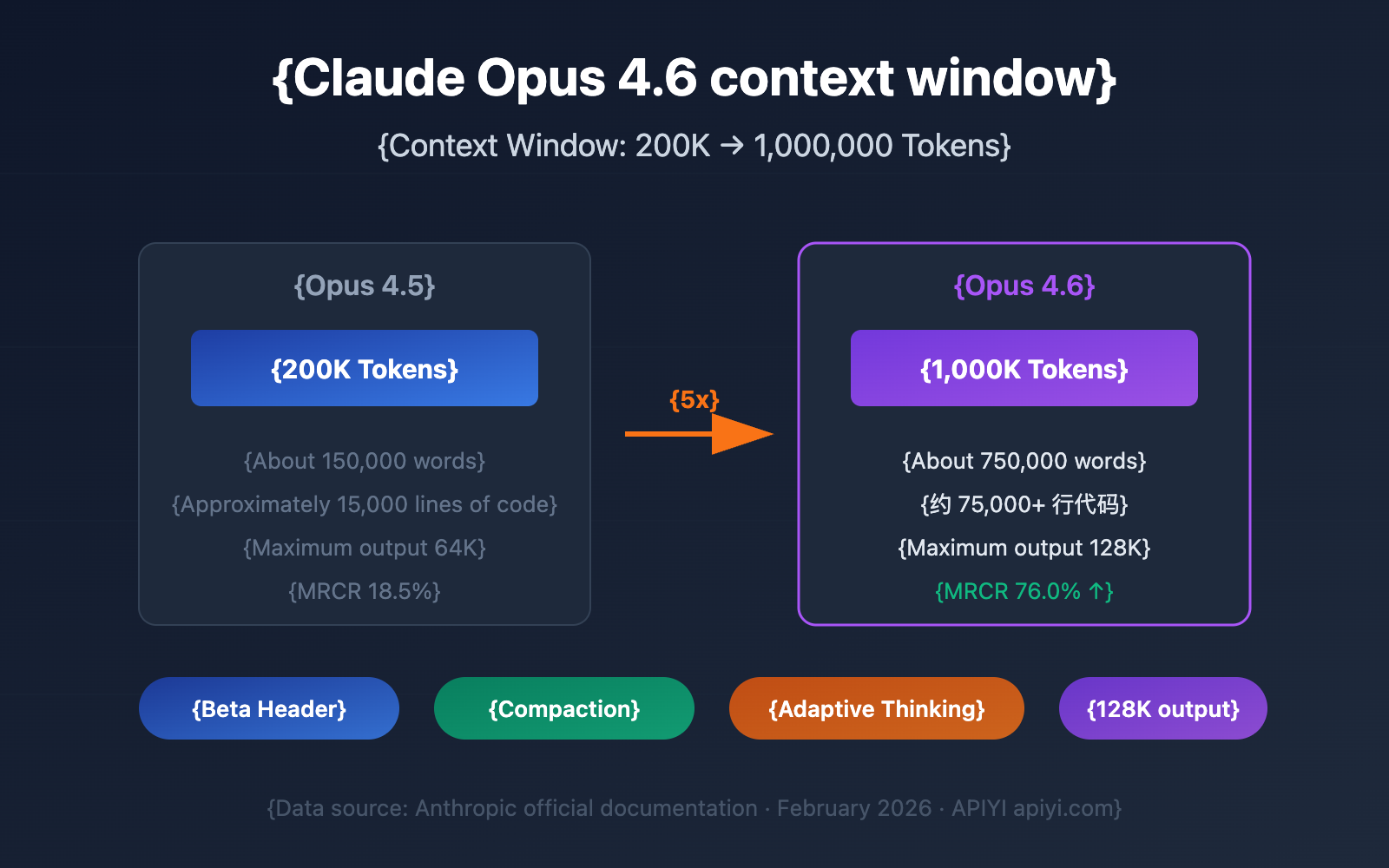
The ability to swap between Claude Code, Codex, and OpenCode without changing code is particularly valuable as the agent ecosystem fragments. With Claude Opus 4.6 scoring 94.1% on ThermoQA and Codex 5.3 competing on SWE-Bench, having a provider-agnostic runtime lets you benchmark agents on your actual tasks.
What you should do differently: If you're currently running Claude Code with claude --print in CI, migrate to AgentBox for sandboxed, interactive sessions. If you're building multi-agent architectures, use AgentBox as your runtime abstraction layer — it'll save you from rewriting integration code when you switch sandbox providers or agents.