The Technique — From Repetitive Prompt to One-Word Command
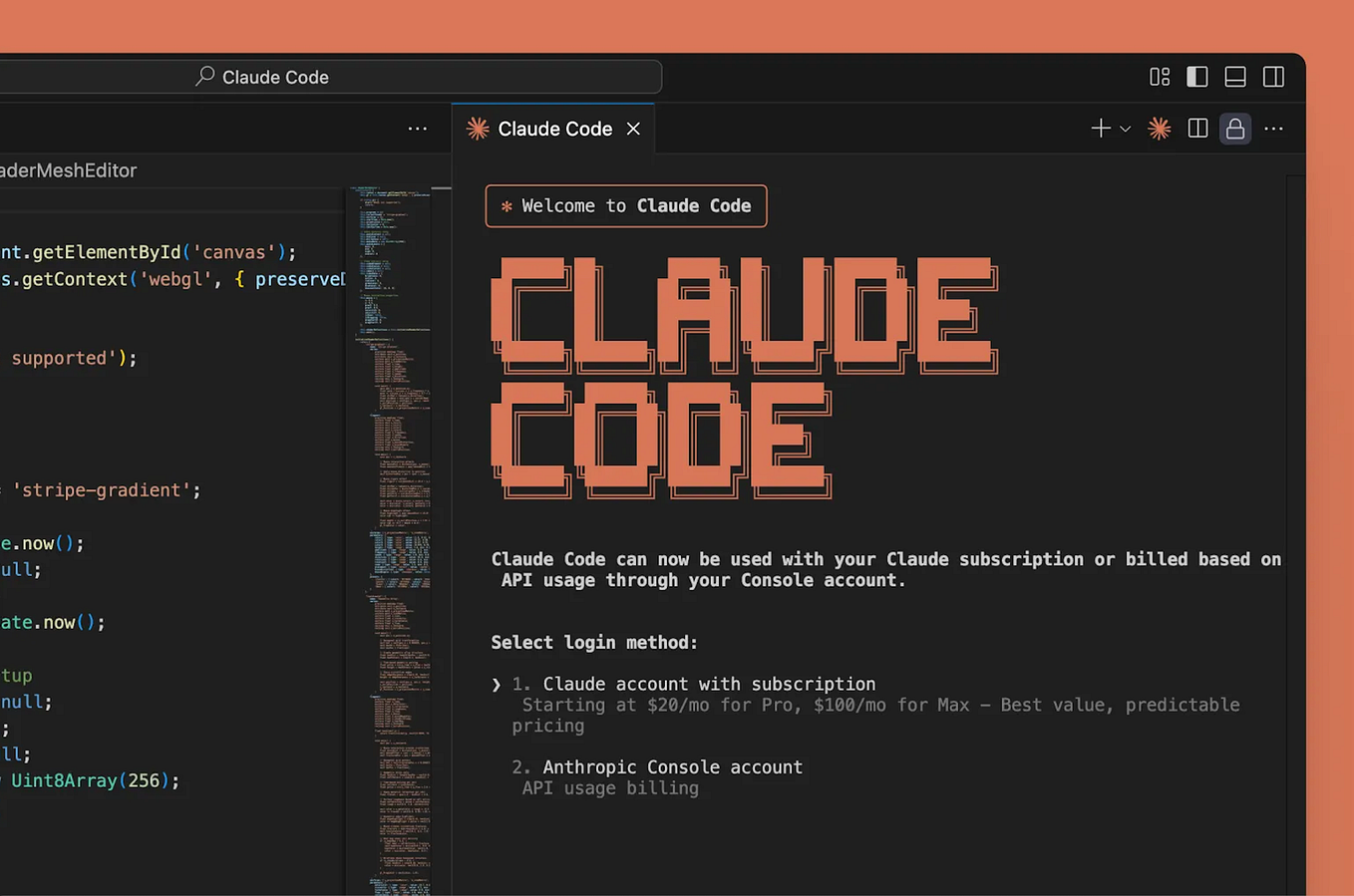
If you find yourself typing variations of the same prompt into claude code daily—like "refactor this function to be more readable" or "write unit tests for this module"—you're working too hard. Claude Skills, a feature within the Claude ecosystem, solves this by letting you save any multi-step prompt or instruction set as a reusable, named command.
Think of it as creating a custom CLI tool powered by Claude. Instead of pasting a lengthy prompt each time, you define the skill once and execute it with claude code --skill <skill-name>. The skill contains all the context, formatting rules, and step-by-step instructions, which Claude Code then executes against your current working directory or a specified file.
Why It Works — Consistency and Context Preservation
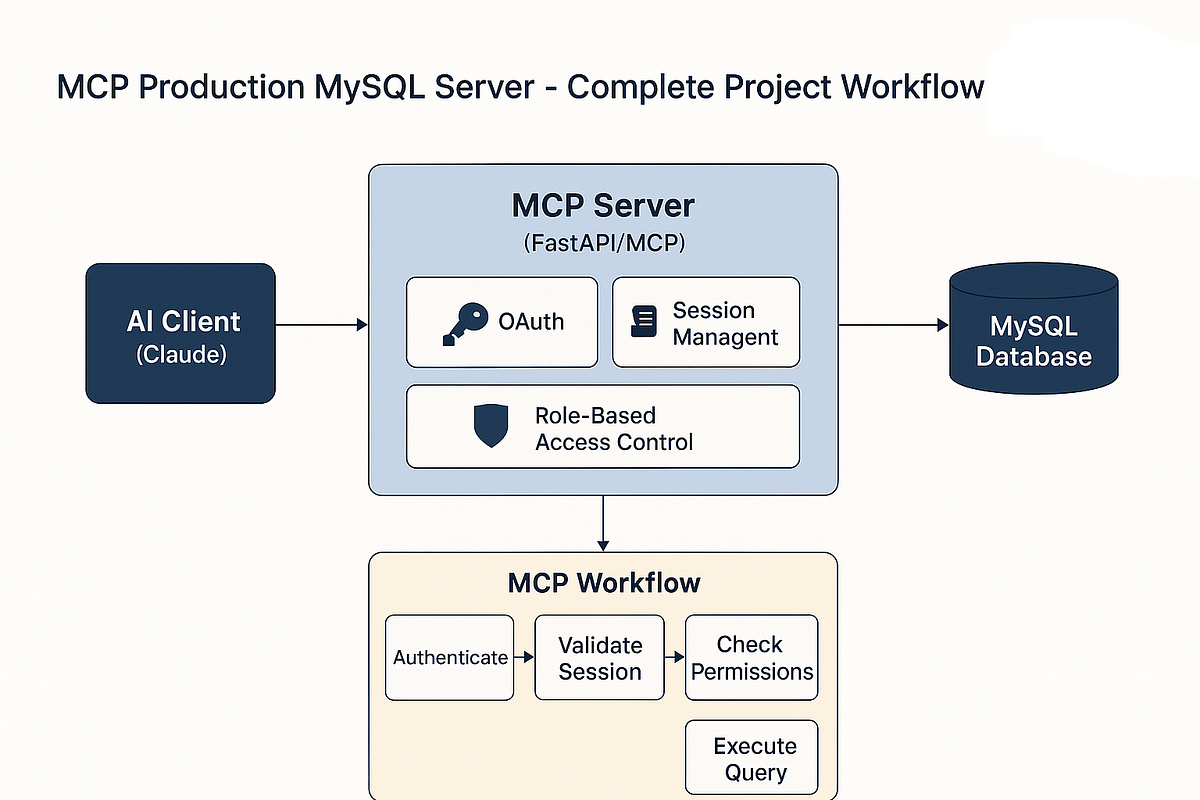
This works because it leverages Claude Code's understanding of your project context through the Model Context Protocol (MCP) and your CLAUDE.md file. When you run a skill, it isn't just a blind text substitution. Claude Code activates with the full, pre-defined instruction set and the relevant project context already loaded. This ensures consistent output quality and saves you the tokens and time spent re-establishing the task's parameters and desired format in every new chat.
For developers, this is a direct efficiency gain. It turns subjective, prompt-based tasks ("make this code cleaner") into reliable, repeatable processes. It also allows teams to standardize workflows—everyone can use the same audit-security or generate-docs skill, ensuring uniform results.
How To Apply It — Creating and Using Your First Skill
Skills are managed through the Claude desktop app or web interface. The process is straightforward:
- Define the Skill: In your Claude interface, navigate to the Skills section. Create a new skill and give it a clear name (e.g.,
code-review). - Write the Core Instruction: This is your saved prompt. Be specific. Instead of "review code," write: "Act as a senior engineer. Review the provided code for bugs, security anti-patterns, and performance issues. Format the output with three clear sections: Critical Issues, Suggestions, and Positive Notes. Reference our
CLAUDE.mdfor project conventions." - Use It in Claude Code: In your terminal, navigate to your project and run the skill.
Claude Code will execute the saved instruction set on the specified file, using the broader project context.claude code --skill code-review path/to/file.js
Pro Tip: Chain Skills with Hooks
For advanced automation, combine Skills with Claude Agent's hook events. For instance, you could configure a pre-commit hook to automatically run a lint-and-format skill on staged files. This moves automation from an on-demand command to an integrated part of your development workflow, catching issues before they're committed.