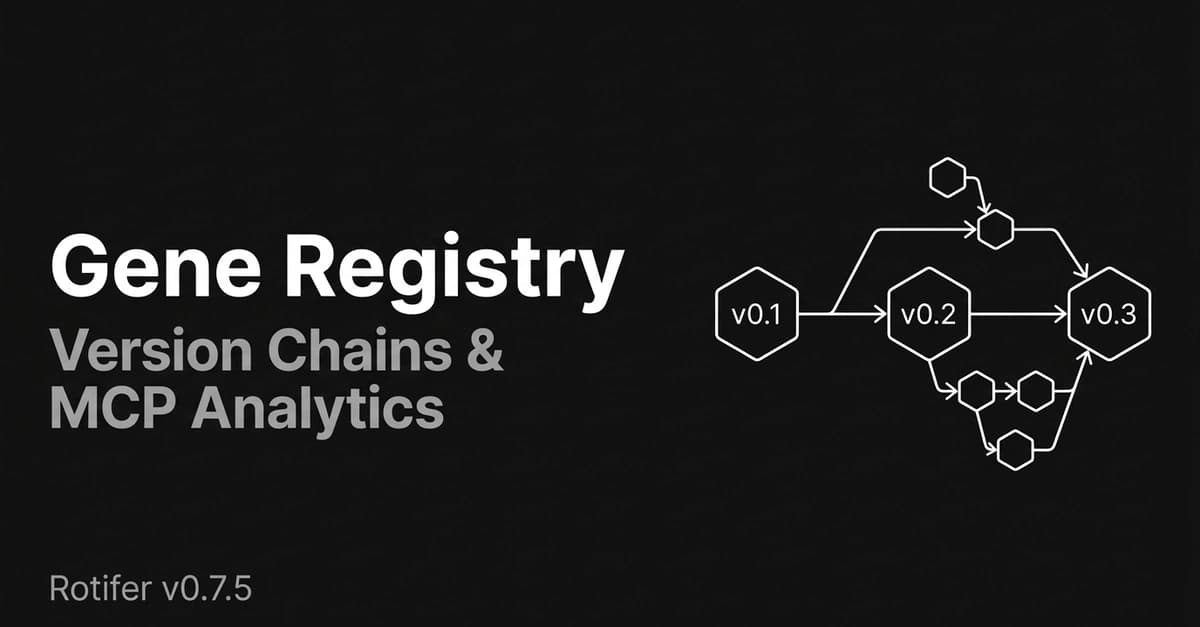
Rotifer just released v0.7.5 and v0.7.6, addressing two critical infrastructure gaps that emerged as the gene ecosystem passed 50+ genes. If you're building or using genes with Claude Code, these updates directly impact how you organize, version, and analyze your workflows.
What Changed: Domain Registry & Version Chains
Gene Domain Registry replaces free-text chaos with structured organization. Previously, rotifer wrap --domain accepted any string, leading to fragmentation like ai.video, media.video, and video.generation for the same concept. Now:
rotifer wrap my-gene
# ? Select a domain:
#   ❯ ai.text        (12 genes)
#     ai.image       (8 genes)
#     data.transform (5 genes)
#     [Enter new domain]
The CLI suggests existing domains from a local cache that syncs automatically. Domains are validated (lowercase alphanumeric + dots only), and new domains register automatically on publish.
Gene Version Chain creates traceable lineage for gene updates. When you publish:
rotifer publish text-summarizer --changelog "Improved extraction for long documents"
The CLI automatically links to the previous version, creating chains like text-summarizer v0.1.0 → v0.2.0 → v0.3.0. The --changelog parameter (max 500 chars) stores version notes, or the CLI auto-generates a diff if skipped.
MCP Server Gets Version History & Analytics
The @rotifer/mcp-server package adds two powerful tools for Claude Code integration:

list_gene_versions lets you browse complete version history:
// list_gene_versions({ owner: "alice", name: "text-summarizer" })
[
  { "version": "0.3.0", "changelog": "Improved extraction...", "previous_version_id": "..." },
  { "version": "0.2.0", "changelog": "Added Markdown input", "previous_version_id": "..." }
]
Call Analytics instruments every MCP tool invocation (tool name, success/failure, latency, gene ID) with zero latency impact. The new get_mcp_stats tool (requires auth) returns:
- Total calls and success rate (7d/30d)
- Average latency per tool
- Top tools and genes by usage
Bug Fix: Cleaner Search Results
v0.7.6 fixes search_genes returning multiple versions of the same gene. Now it shows only the latest version per gene, cleaning up search results in both CLI and VS Code extension.
Upgrade Now
# Update CLI
npm i -g @rotifer/playground@latest

# Update MCP Server in your Claude Code config
npx @rotifer/mcp-server@latest
gentic.news Analysis
This update addresses growing pains in the MCP ecosystem that align with trends we've been tracking. The move from free-text domains to a structured registry mirrors how other MCP ecosystems have matured — similar to how Claude Marketplace organizes tools by category. The version chaining feature is particularly valuable given recent research showing MCP servers can add 37% more input tokens compared to CLI commands; being able to track and revert to previous versions helps manage this overhead.
The MCP analytics are timely. With 66% of MCP servers having critical security vulnerabilities (as reported March 28), usage analytics help identify which tools are actually being used and might need security attention. Rotifer's fire-and-forget instrumentation approach is smart — it avoids the latency issues that plague many MCP implementations.
This follows a pattern of MCP tools adding more structure and analytics. Just last week, we covered how adding structured 'skills' descriptions to MCP tools reduces agent token usage by 87%. Rotifer's domain registry serves a similar purpose: providing metadata that helps Claude Code understand gene relationships without guessing.
For Claude Code users, the key takeaway is that the MCP ecosystem is maturing rapidly. Tools that were experimental six months ago now need production-grade features like versioning and analytics. If you're building genes, adopt these new practices now before your codebase becomes unmanageable.







