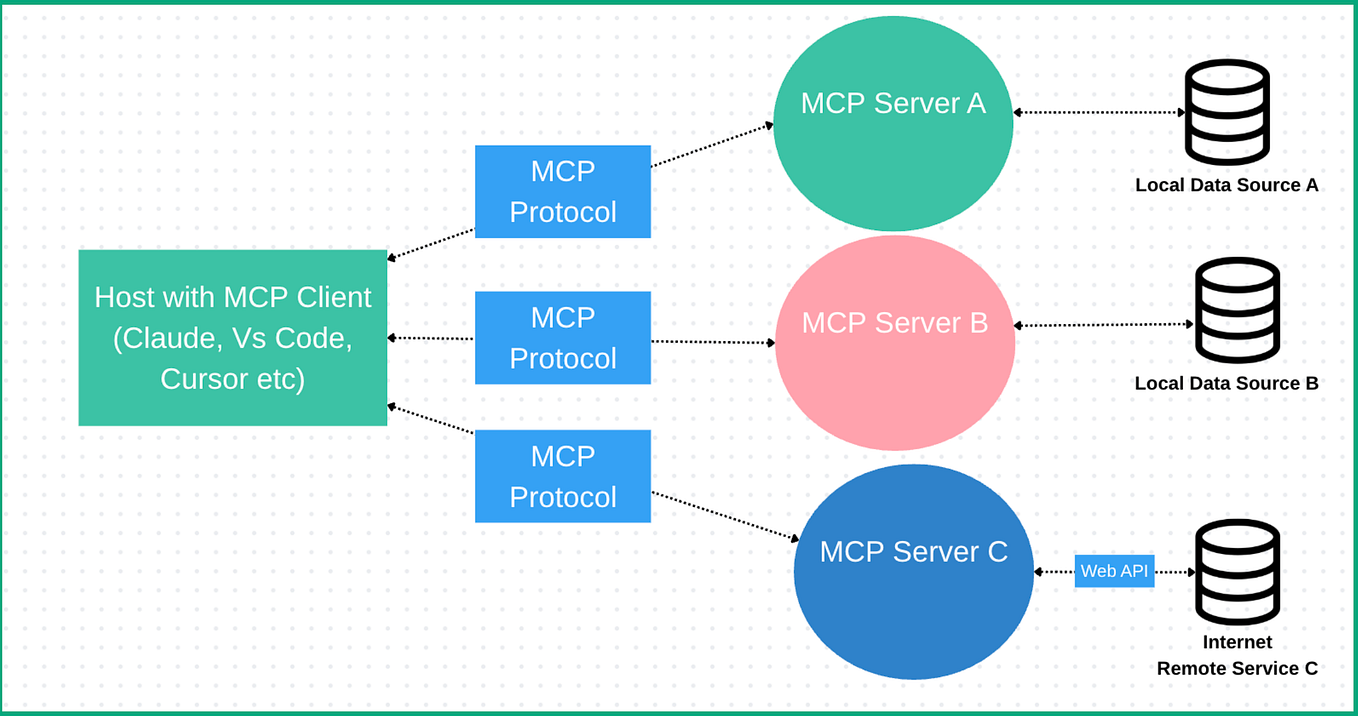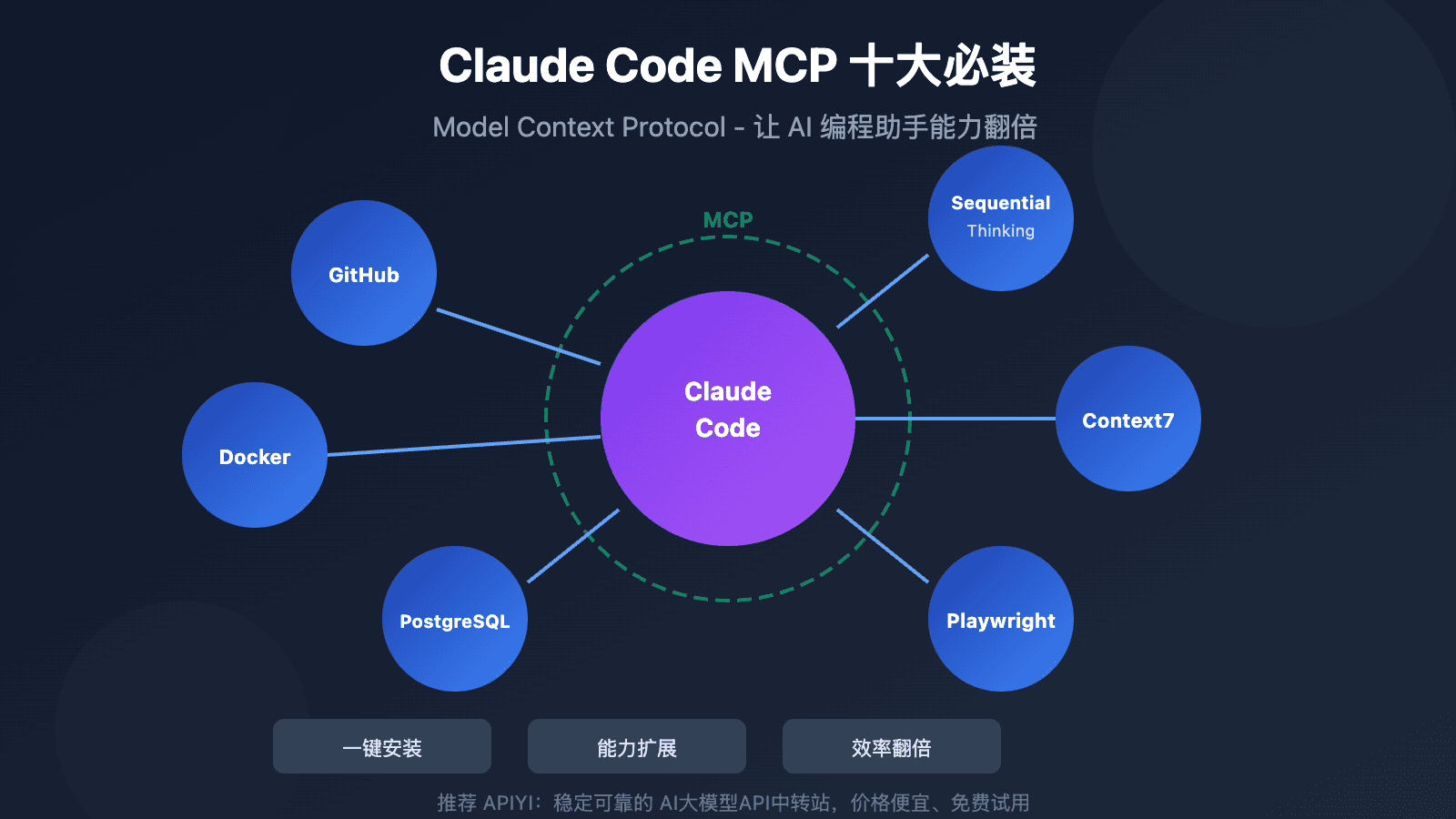
What It Does — A Command Center for AI Swarms
Conductor is a Model Context Protocol (MCP) server that transforms a single Claude Code terminal into an orchestration hub. Instead of juggling multiple terminal windows, you run Conductor in one session. It connects to all your other Claude Code sessions (started with claude --rc) via WebSocket, maintaining a real-time, coherent view of your entire AI workforce.
It doesn't just monitor; it understands context, tracks goals and progress between sessions, and can take automated actions to keep work flowing.
Setup — Install the MCP Server in Minutes
This setup requires Claude Code v2.1.92+ and a Claude Max or Team subscription for Remote Control features.
Install Dependencies: Ensure you have Python 3.10+ and install the required packages.
pip install websockets httpxCopy the Server Files: Clone or download the Conductor repository, then copy the core server script to a permanent location.
mkdir -p ~/.claude/conductor
cp /path/to/conductor/bridge-server.py ~/.claude/conductor/
Configure the MCP Server: Add Conductor to your Claude Code config (
~/.claude.json) for your project.{ "projects": { "/your/project/path": { "mcpServers": { "conductor": { "command": "python", "args": ["/full/path/to/.claude/conductor/bridge-server.py"] } } } } }Grant Permissions: Add the necessary permission in
~/.claude/settings.json.{ "permissions": { "allow": ["mcp__conductor__*"] } }Enable Safety Hooks (Critical): Copy the guard hook and configure it to intercept tool calls.
mkdir -p ~/.claude/conductor/hooks
cp /path/to/conductor/hooks/conductor-guard.js ~/.claude/conductor/hooks/
Then, add this hook configuration to
~/.claude/settings.json:{ "hooks": { "PreToolUse": [ { "matcher": "Bash|Write|Edit|Agent", "hooks": [ { "type": "command", "command": "node \"/full/path/to/.claude/conductor/hooks/conductor-guard.js\"", "timeout": 5 } ] } ] } }
When To Use It — Specific Workflows That Shine
Start your worker sessions with claude --rc. Once Conductor is running, your central session becomes a command center.
- Parallel Feature Development: Run one session on API refactoring, another on UI components, and a third writing tests. Use Conductor to
discover sessions, askwhat is the ui session doing?, andsend "run the linter" to the api session. - Automated CI/CD-Like Chains: Set up a monitoring loop to chain work. For example:
/loop 3m check all sessions, report changes, approve safe stalls. When the "build" session finishes, Conductor can automatically send the results to the "deploy" session. - Preventing Catastrophic Stalls & Blocks: Conductor detects when a session is stuck waiting for tool approval (the most common stall) and can auto-approve safe commands. More importantly, its PreToolUse hook can block dangerous commands (like
rm -rforgit push --force) before they execute by returning{"decision": "block"}. This is a direct safeguard following incidents like the one on [2026-03-30] where a Claude agent executed a destructivegit reset --hard. - Mobile/Remote Oversight: Configure Conductor to send alerts via Telegram when a session needs human judgment, letting you manage complex operations from anywhere.
Conductor's stall detection looks for three patterns: a tool call with no result, stale progress for over 90 seconds (configurable via STALL_THRESHOLD_SECONDS), or empty user messages from hooks.